
Help
Troubleshooting and error reports
Use the failing step and support reference without sharing your credentials.
Applies to 0.76 development preview · English guide
Start with the failing step
Identify whether the problem is logging in, importing, drawing saved cards, loading posters or starting video. These are different paths. A successful channel list import does not prove tuner or media reachability.
Check About for the exact app version and build. Record the error reference and what you were doing. Keep source credentials and full authenticated URLs out of public screenshots.
Error families
| Setting and path | What it does | Scope and default |
|---|---|---|
| NET-01 / NET-02Error details | Name resolution or TLS validation failed. Check the address/network; for a certificate date error also check device time. Do not disable certificate verification. | Keep the saved choice; availability and permissions depend on your source and profile. |
| NET-03 / NET-04 / NET-06Error details | Timeout, connection failure or interrupted response. Retry after checking reachability; a partial download is not a complete catalogue. | Keep the saved choice; availability and permissions depend on your source and profile. |
| NET-05 with HTTP statusError details | The service returned an HTTP error. 401/403 concern authentication or permission; 429 asks for fewer requests. A 5xx failure does not identify which provider or intermediate service caused it. | Keep the saved choice; availability and permissions depend on your source and profile. |
| STORE-01 / STORE-02Error details | A confirmed space failure differs from a general storage/database error. Inspect the actual free space and report the reference; do not assume a full disk from STORE-02 alone. | Keep the saved choice; availability and permissions depend on your source and profile. |
| DATA / PLAY / APPError details | Unreadable source data, playback failure or another app step. Include the observed step and reference rather than guessing a cause. | Keep the saved choice; availability and permissions depend on your source and profile. |
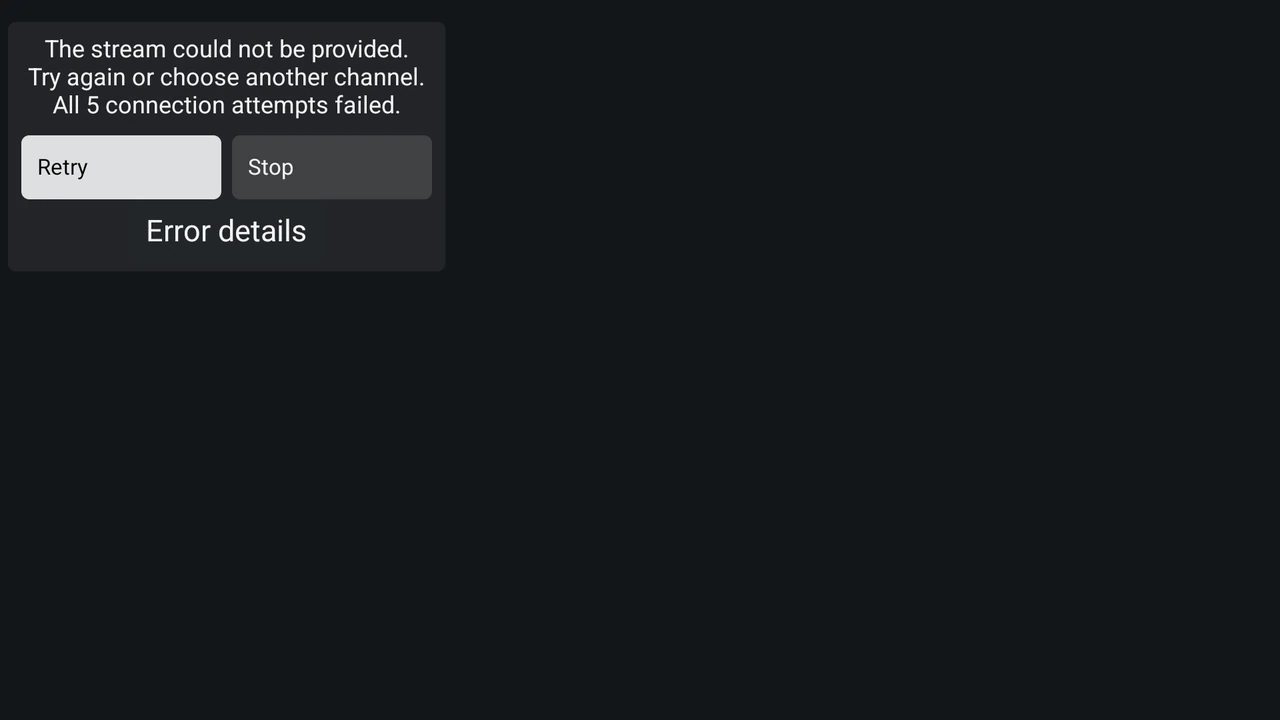
HTTP responses: what to do next
The HTTP number describes the response received, not a proven root cause. A provider, a gateway or a local media server can return it. Keep the complete support reference and the failing step.
The desktop preview waits between a limited number of retryable requests. A valid short Retry-After can control that wait. Longer waits are not spent blocking the interface, and Stop remains available. Repeated clicks should not be used to work around a waiting period.
- 401 or 403: check your credentials and permission with the service. Repeated automatic login attempts will not repair rejected credentials.
- 429: the service asked for fewer requests. Wait before trying again. Do not repeatedly edit or re-add the source.
- 502: a gateway could not obtain a usable upstream response. Retry later; this alone does not prove your internet connection is down.
- 503: the service is temporarily unavailable. Allow the bounded retry, or stop and try later.
- 509: the service reports a limit. Ask the service which limit applies; the number alone does not prove that every connection slot is occupied. There is no blind automatic retry.
- A source list that loaded successfully does not prove that its video endpoint is available. A source-edit error should leave your previously saved source and personal selections intact.
Buffering, reconnecting, pause and a frozen picture
A connecting/reconnecting state is different from an intentional pause. Automatic recovery has a bounded attempt/time policy. Retry starts a new deliberate attempt; it does not promise that an unavailable service will recover.
If a picture is retained after an input stops, it is not evidence that the current stream is still live. Use the status and controls.
For buffering, note whether it happens at startup, after a channel or input switch, or during otherwise continuous playback. Check whether another catalogue import is running. These observations help distinguish a slow source from a recovery problem without deleting your saved setup.
A stream can have an open connection or a running clock before a new picture is decoded. Note whether sound is heard, whether the picture changes and whether Connecting or Reconnecting is shown. Stop remains available. When reporting a failure after switching, include the exact app build and whether it followed a channel change or a Dispatcharr input change.
Prepare a report
- Open Settings > About > Report a problem or Diagnostics.
- Choose the issue category and inspect the proposed diagnostic information.
- Use the available export/share route. Report reception is still being prepared; a local export is not a claim that anything was uploaded to GitHub or Discord.
- Include reproduction steps, device/model, version/build and the exact error reference. Remove credentials, tokens and unrelated personal information.
Android installation warnings
An unknown-source permission, an unfamiliar-app scan and an explicit harmful-app block mean different things. Record the exact dialog and installation route.
The physical tablet reproduced an explicit Play Protect block on the older public 0.58 download during this investigation. The underlying classification cause is unresolved. Do not present artifact signature checks as proof that the warning is harmless.