
Connect a source
Emby
Connect a self-hosted Emby media server.
Applies to 0.74 development preview; capture versions are stated below each illustration · English guide
What you need
Use your Emby server address and an account allowed to see the libraries you need.
Live TV and recording capabilities require the corresponding server configuration and any server-side entitlement required by Emby. TiviNerd cannot grant those rights.
Set up the source
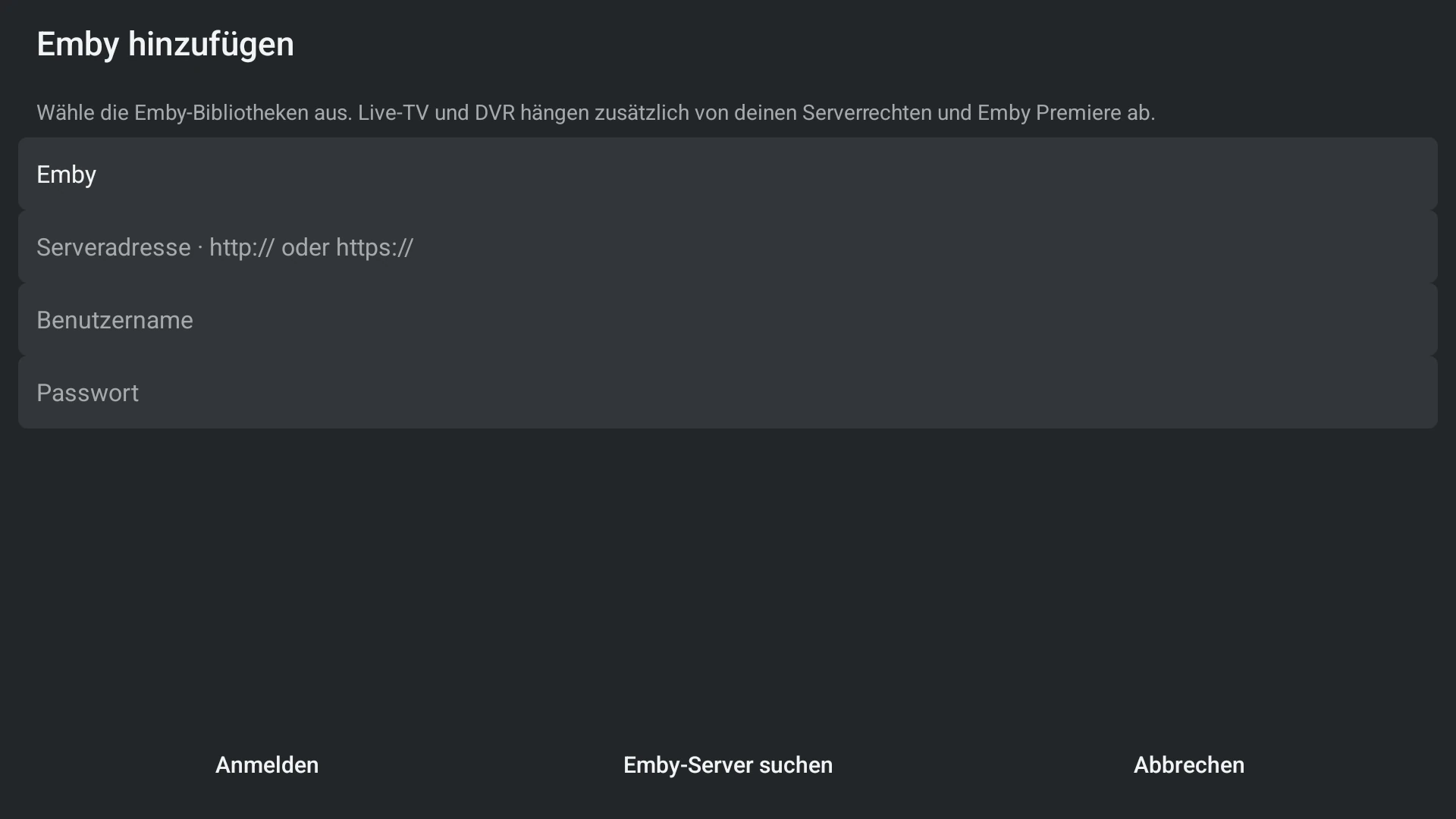
- Choose Emby and enter or discover the local server address.
- Sign in, select supported libraries and content areas, then complete setup.
- Browse the prepared library and test one permitted title.
- Use the server administration tools to fix missing library or tuner permissions.
Use your own server account
The household administrator adds the shared Emby address. Each TiviNerd profile can then be linked explicitly to its own permitted Emby account on this device. Matching profile names do not create a link.
Emby permissions and TiviNerd profile restrictions both apply. A missing or failed personal login never silently falls back to a server administrator account. Children cannot link an unrestricted adult account themselves.
Profiles linked to the same Emby account share that server’s favourites and viewing history. TiviNerd’s own watchlists remain profile-specific. Separate server accounts are needed for separate server histories.
- Open the profile actions or Settings and choose Media server accounts.
- Select the shared Emby server. Sign in with the account intended for this profile; the shared server address remains unchanged.
- If credentials fail, correct them in the same form. Cancelling leaves the existing account unchanged.
- To remove this local link, choose Disconnect account and confirm. This does not remove the shared source or other profiles.
- Personal server sessions are stored locally and are excluded from household sync. Link the account separately on each device.
- A TiviNerd administrator is not automatically a media-server administrator. Changes to server library access still belong to the media server.
Capabilities and limits
- Server transcoding and direct playback are server/device capability decisions.
- Do not confuse Emby server administration with TiviNerd profile administration.