
Start here
Your first setup
Install the player, choose your sources and finish preparing the content you want.
Applies to 0.65 development preview · English guide
Before you start
TiviNerd is a player for sources you provide. It does not supply channels, subscriptions to TV providers or a movie library. You need a supported server, tuner or playlist and permission to access its content.
A source is a connection to your content. A viewing profile stores personal choices and access rules. A Sync administrator and a future website customer account are separate identities.
Set up on Android TV
- Install a verified TiviNerd APK using the approved download address or your device installation method.
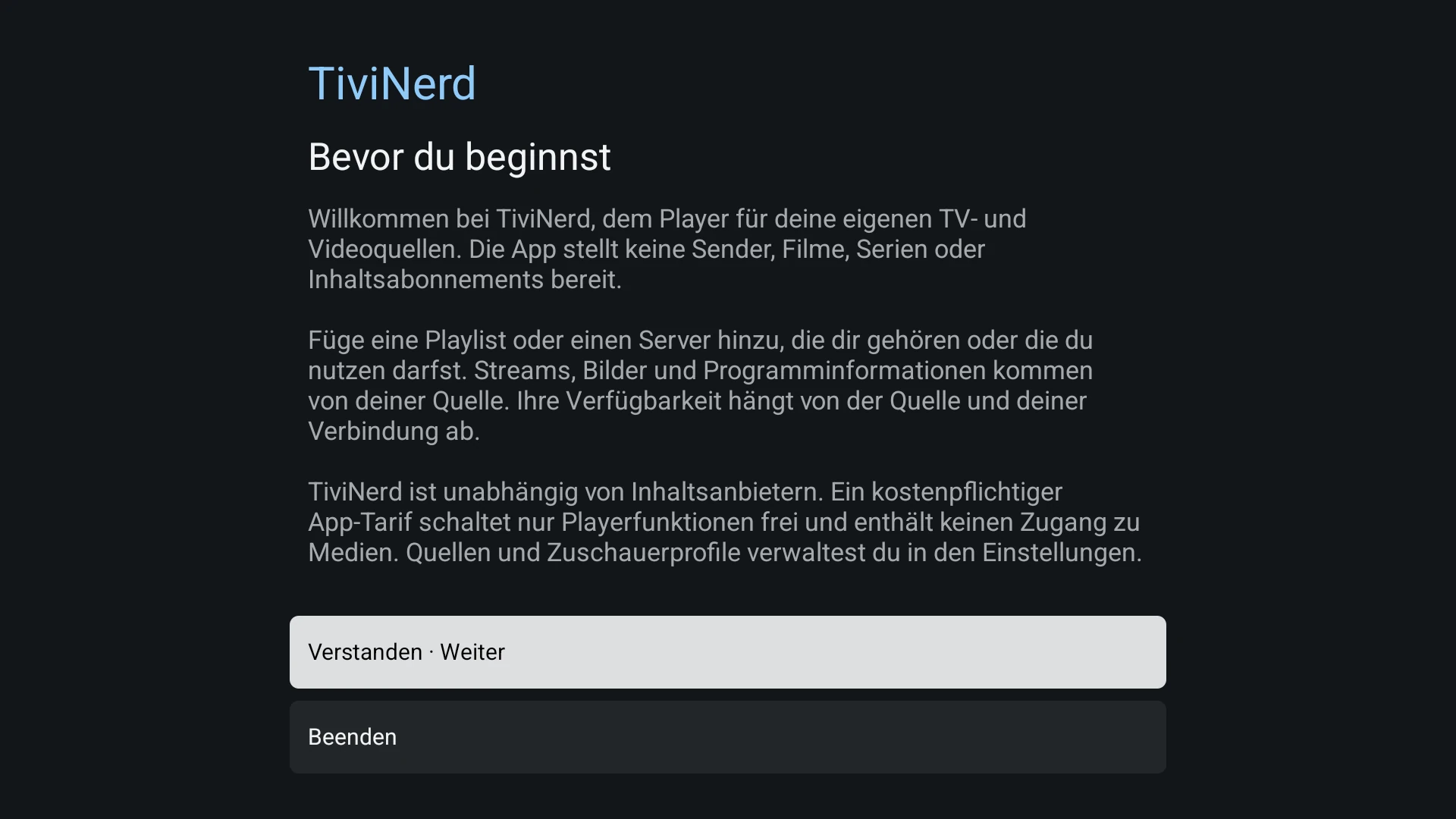
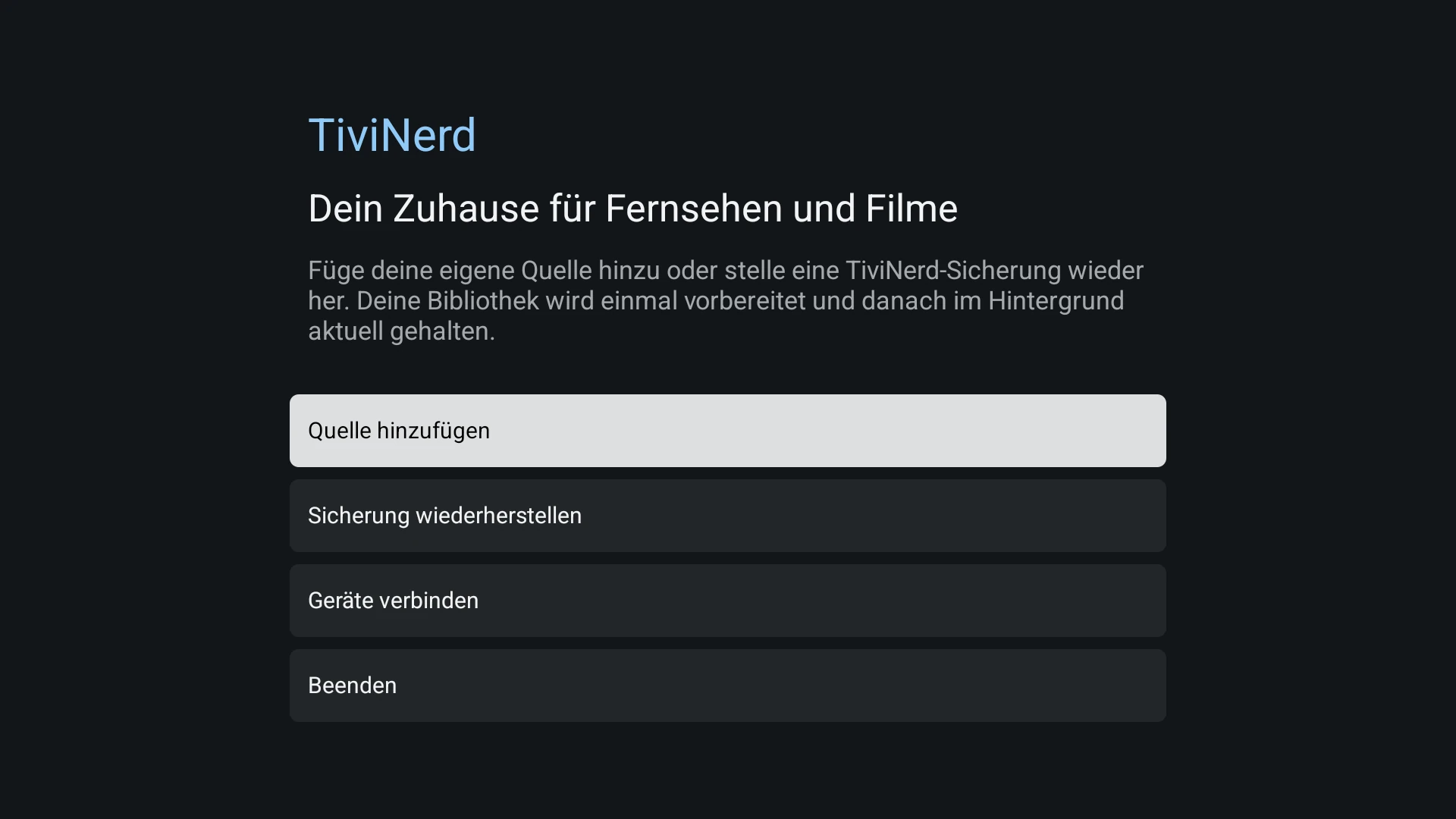
- Open TiviNerd, read the own-content notice and choose your setup route. Use a single shared setup or create the first administrator and viewing profiles. Keep your administrator PIN private.
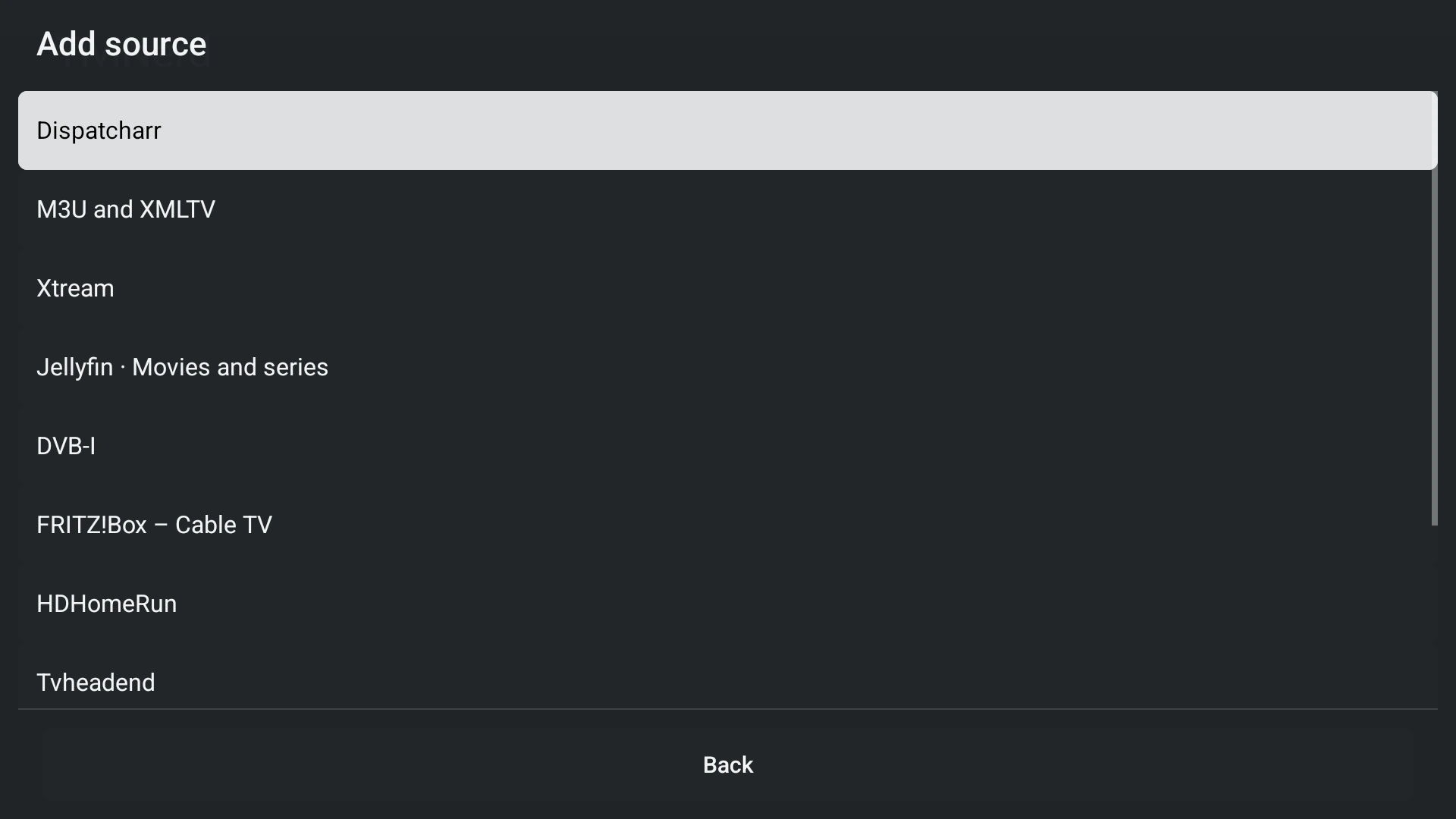
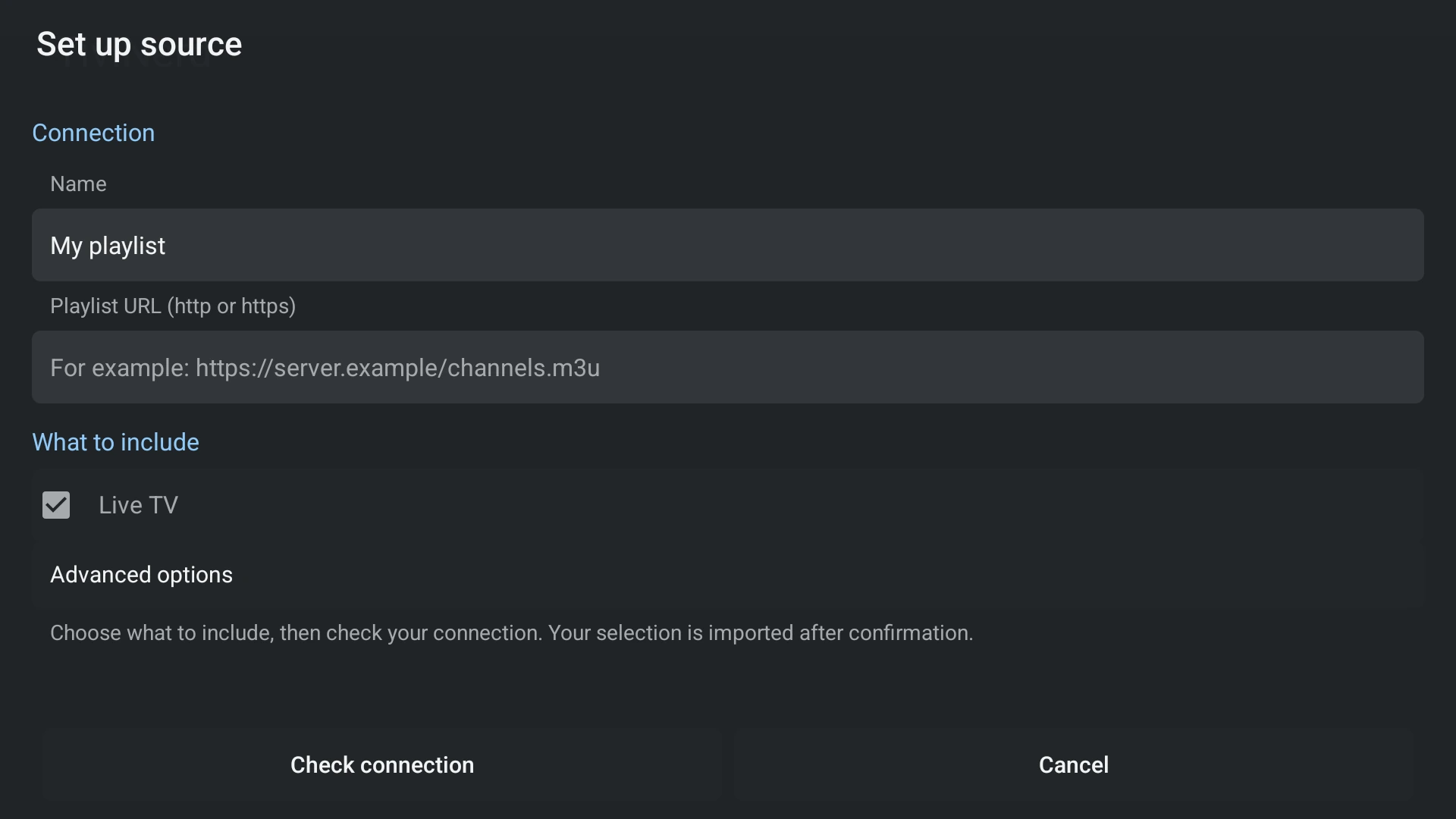
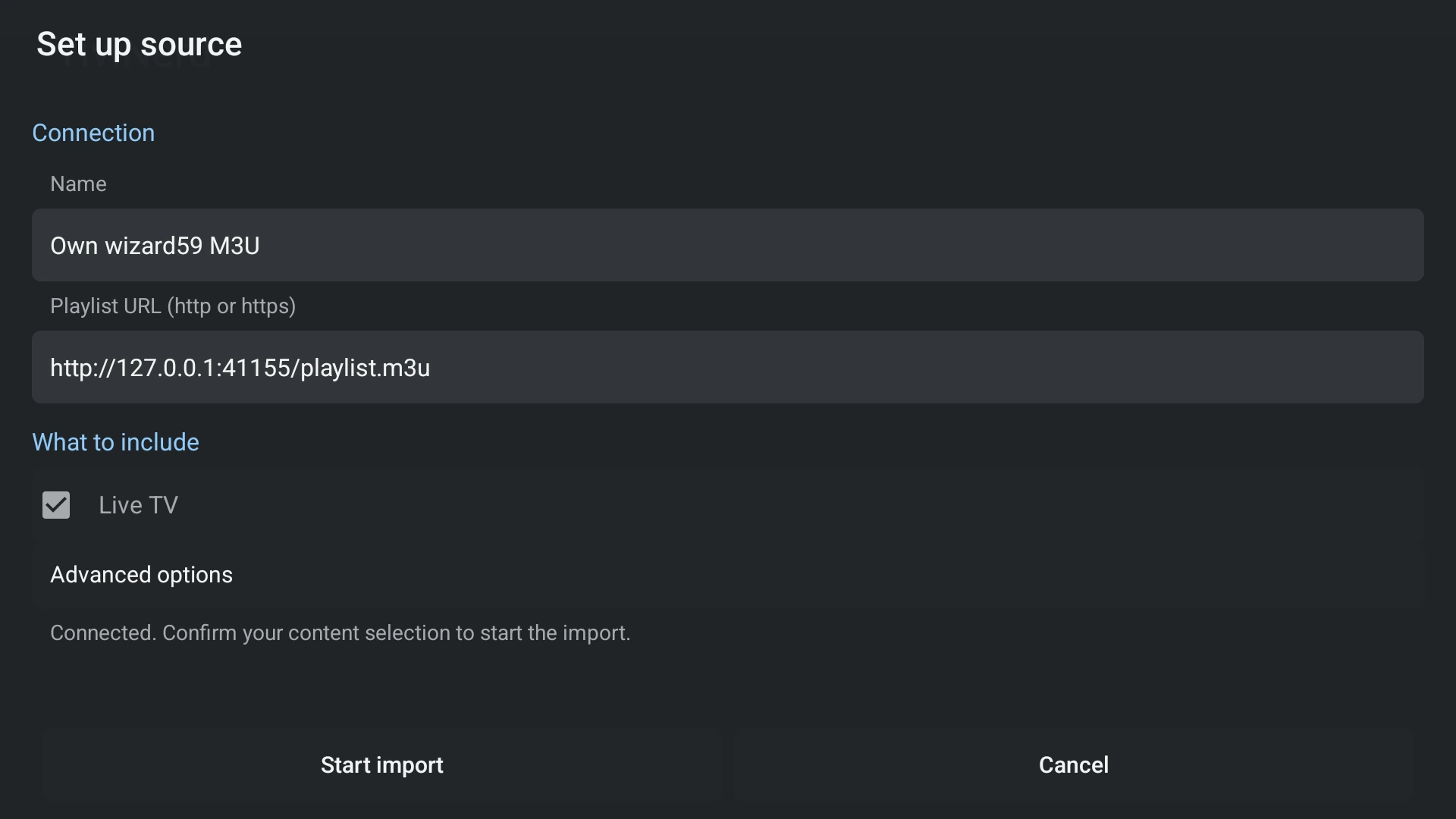
- Choose the source type that matches the service you have. Enter its address and login details where required, then review the content areas to include and check the connection.
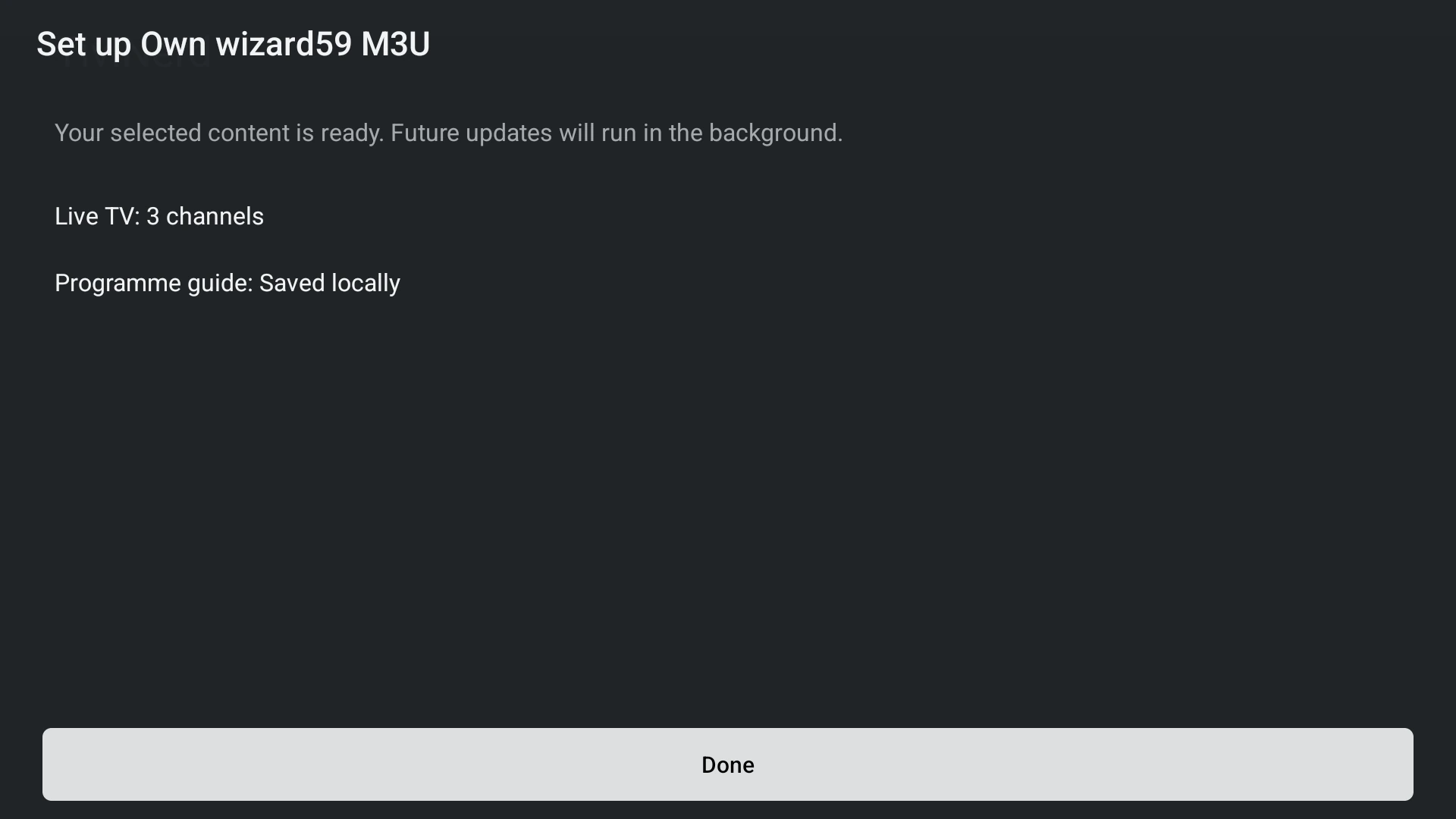
- Save the source and wait for the selected setup work to finish. A failed step stays recoverable; a small partial title count is not a complete library.
- After setup, use Settings to manage sources, profiles and permissions. Back returns through the current setup; it does not silently finish an incomplete source.
Set up on a tablet or phone
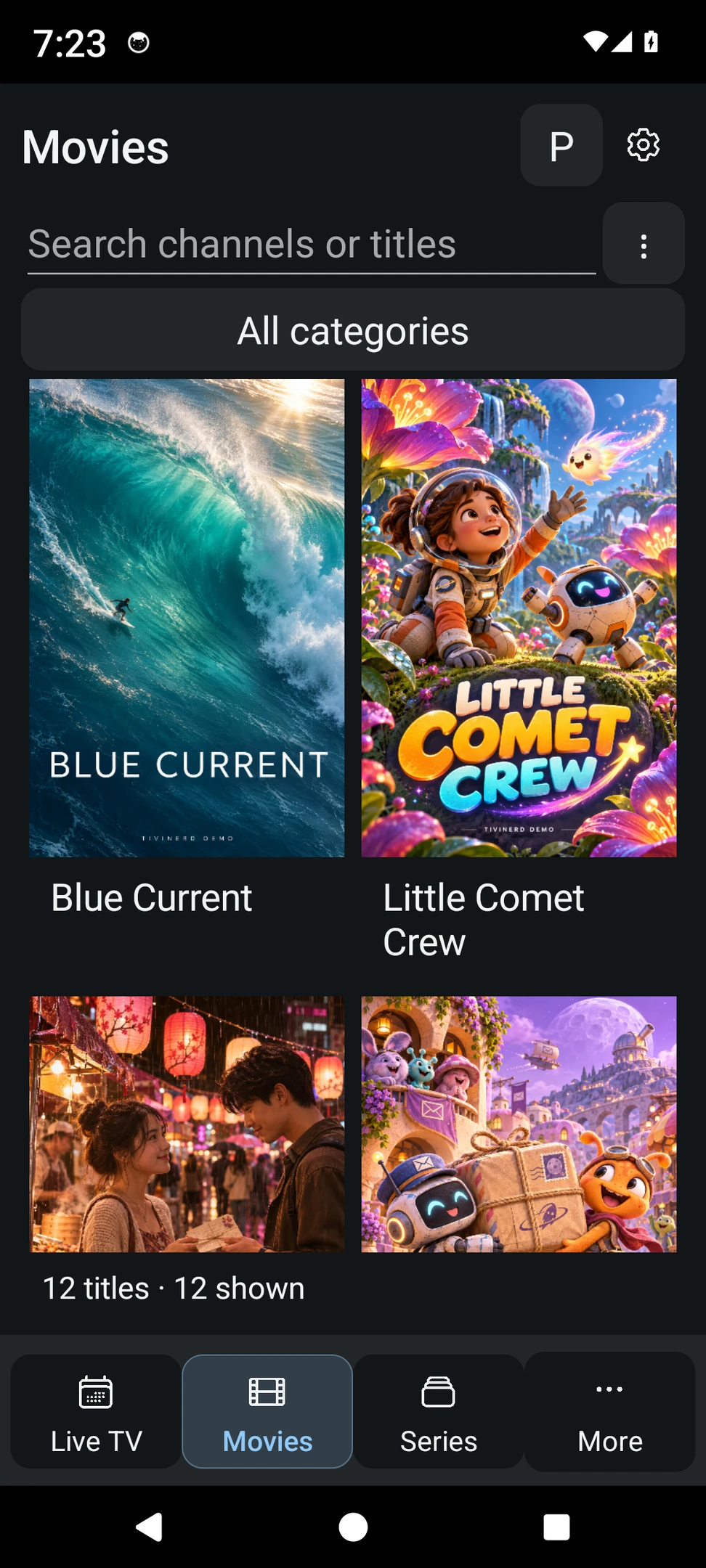
The touch interface uses the same sources, local catalogue and profile rules. Use touch buttons and the Android Back action rather than TV directional-key instructions. Phone and tablet layouts adapt to the available window.
- Open the source setup from the initial screen. On an existing installation, use Settings to manage sources.
- Choose Live TV, Movies and Series before importing, according to what the source supports.
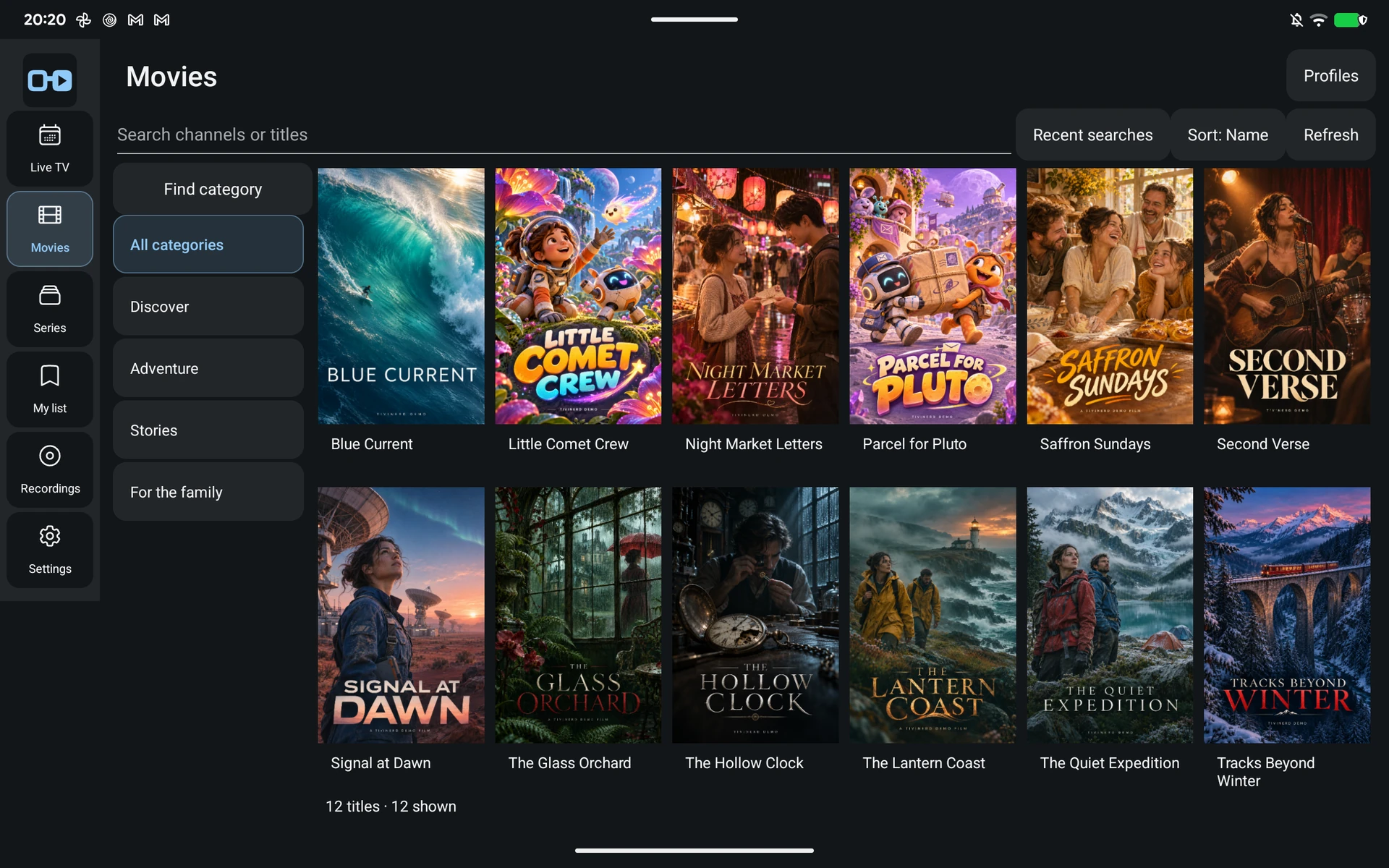
- Allow setup to finish, then choose an available content area.
After setup
Saved channel lists and film or series cards are browsed locally. Posters, details and playback may still need the network. A regular update is different from setting up a new source.
Use the source-specific guide to check server requirements. Device network rules, provider connection limits and unsupported formats can affect playback even after the login check succeeds.