
Connect a source
HDHomeRun
Import the lineup of a compatible network tuner or server endpoint.
Applies to 0.74 development preview; capture versions are stated below each illustration · English guide
What you need
The endpoint must provide compatible discovery and lineup data. Access to the lineup does not prove tuner capacity or channel reception.
Programme guide and archive features depend on the connected service. Do not assume that every compatible discovery endpoint supports a storage engine.
Set up the source
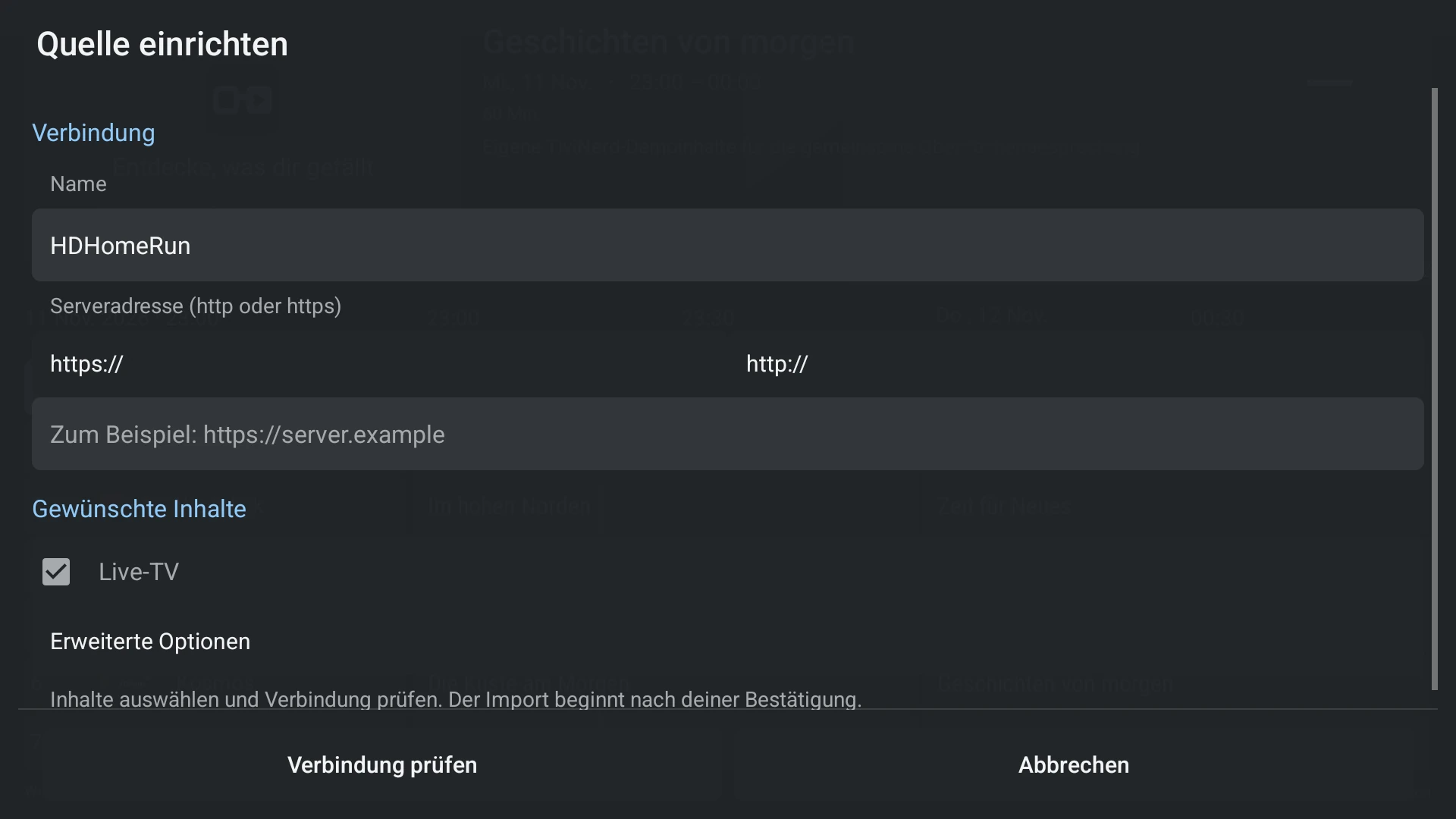
- Choose HDHomeRun and enter or discover the tuner/server address.
- Check the connection and import the lineup.
- Start one available unencrypted channel.
- Add or assign XMLTV separately if your guide is missing.
Capabilities and limits
- Model and firmware affect capabilities.
- Multiple viewers and recordings can compete for the same tuners.