
Connect a source
Tvheadend and HTSP
Choose the HTTP or HTSP connector that matches your server.
Applies to 0.74 development preview; capture versions are stated below each illustration · English guide
What you need
Tvheadend is a server source, not an IPTV subscription. Configure its real inputs, channel mapping and access rights first.
The HTTP/WebUI port and HTSP port are different. Common defaults are 9981 for HTTP and 9982 for HTSP; your administrator may have changed them.
Channel visibility, streaming and recording rights are separate permissions.
Set up the source
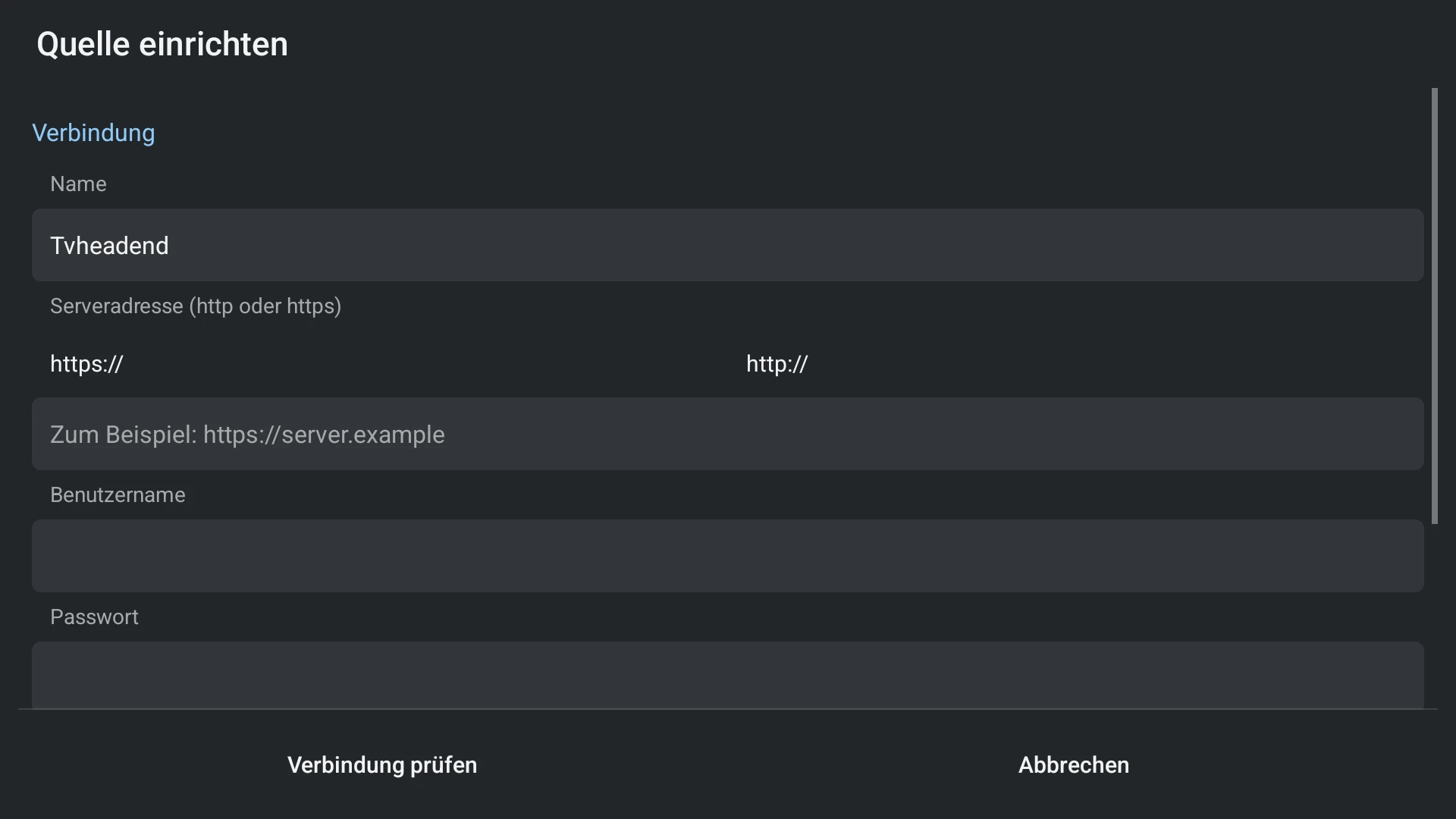
- Choose Tvheadend for the HTTP route or Tvheadend HTSP for an available compatible HTSP service.
- Enter the correct address/port and account. Check the connection.
- Import channels and the available server guide.
- Start a permitted channel, then inspect recordings or schedules only if the server exposes those actions.
Capabilities and limits
- Use the source type rather than placing an HTSP address in an HTTP playlist field.
- A successful HTTP login does not establish that the HTSP port is reachable.