Sync
Household Sync and its dashboard
Understand household configuration, devices, roles and the self-hosted Sync service.
Applies to 0.74 development preview; capture versions are stated below each illustration · English guide
Accounts and authority
Your household administrator manages shared sources, profiles and permissions. Viewing profiles keep their own favourites and progress. The website billing account and media-server accounts are separate identities.
Personal changes can travel in both directions: a favourite added on a tablet can appear on the living-room device. A device that coordinates exchanges does not automatically gain permission to change shared sources. Administrator permission is checked separately.
Connect a device
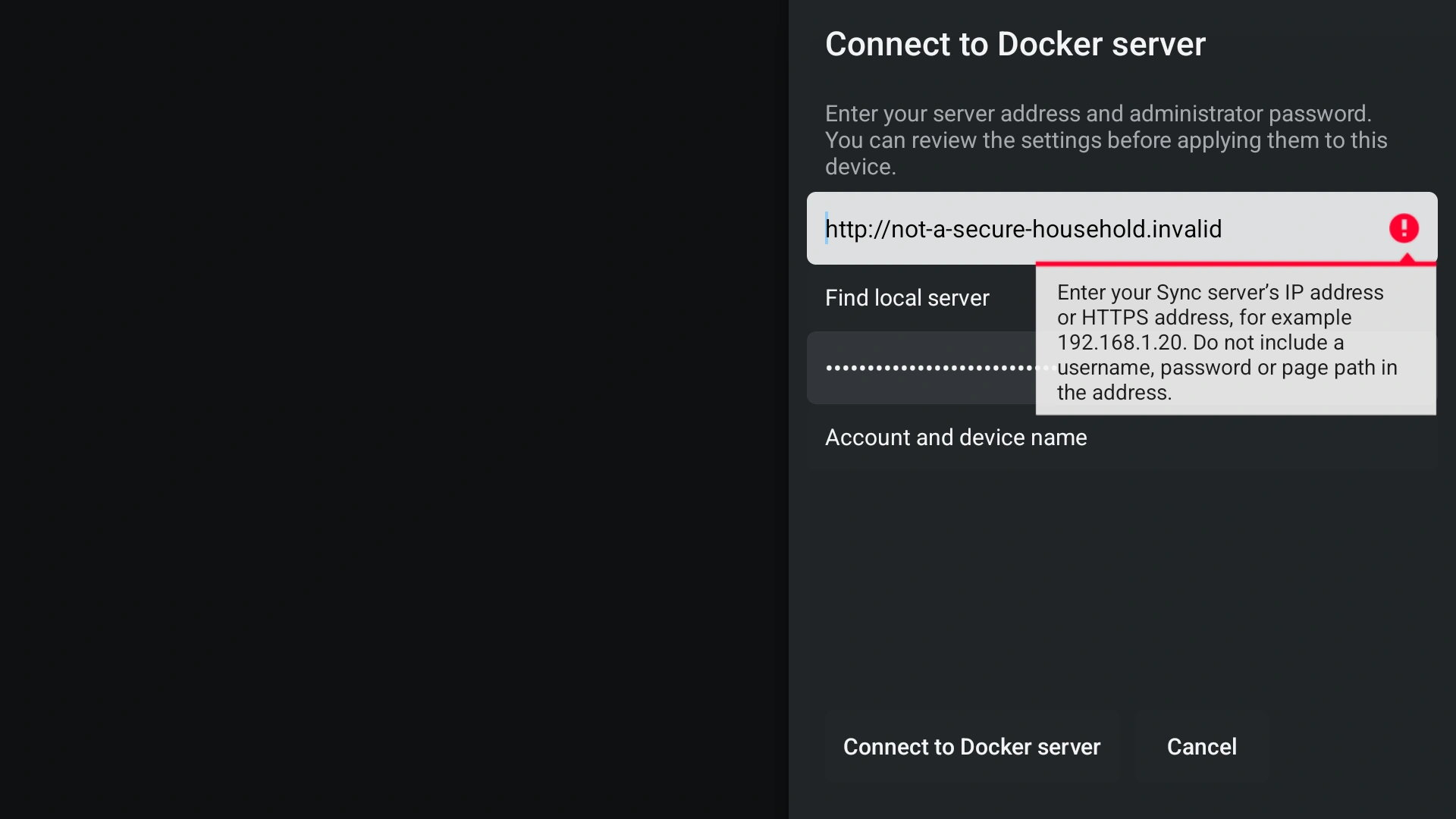
Use the address and administrator password of your own local Sync server. A viewing-profile PIN and a website subscription password are different credentials. No Google sign-in is required for local Sync.
- Open Settings > Household Sync and select the available self-hosted server setup.
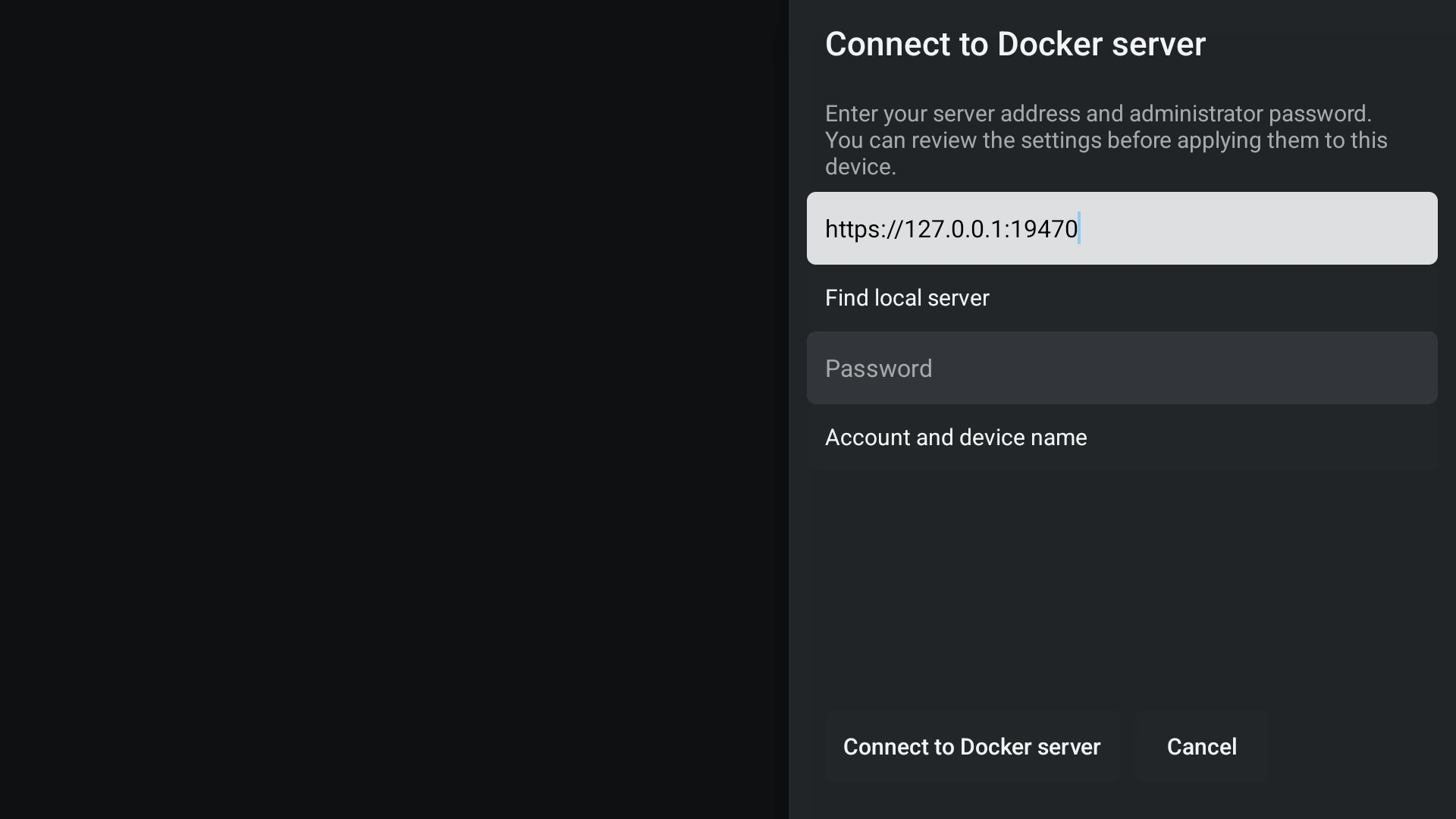
- Enter the server IP or its complete HTTPS address. A bare IP uses the standard Sync port 9443; include a different port when your installation uses one.
- Enter the Sync administrator password and choose Connect. Open Username only if your server has several administrator accounts or asks for it.
- Review the received household settings before choosing Apply. A successful connection alone does not replace your existing local configuration.
- Check the device status and last successful exchange. Connected, configuration received and source import ready are separate states. Players prepare their own catalogues after receiving a source.
- Already connected devices keep their saved connection. You do not need to copy a device token or certificate to set up a new device.
- If a connection fails, correct the address or password in the same form. Do not disable certificate checks or replace a server's identity merely to silence an error.
Dashboard administration
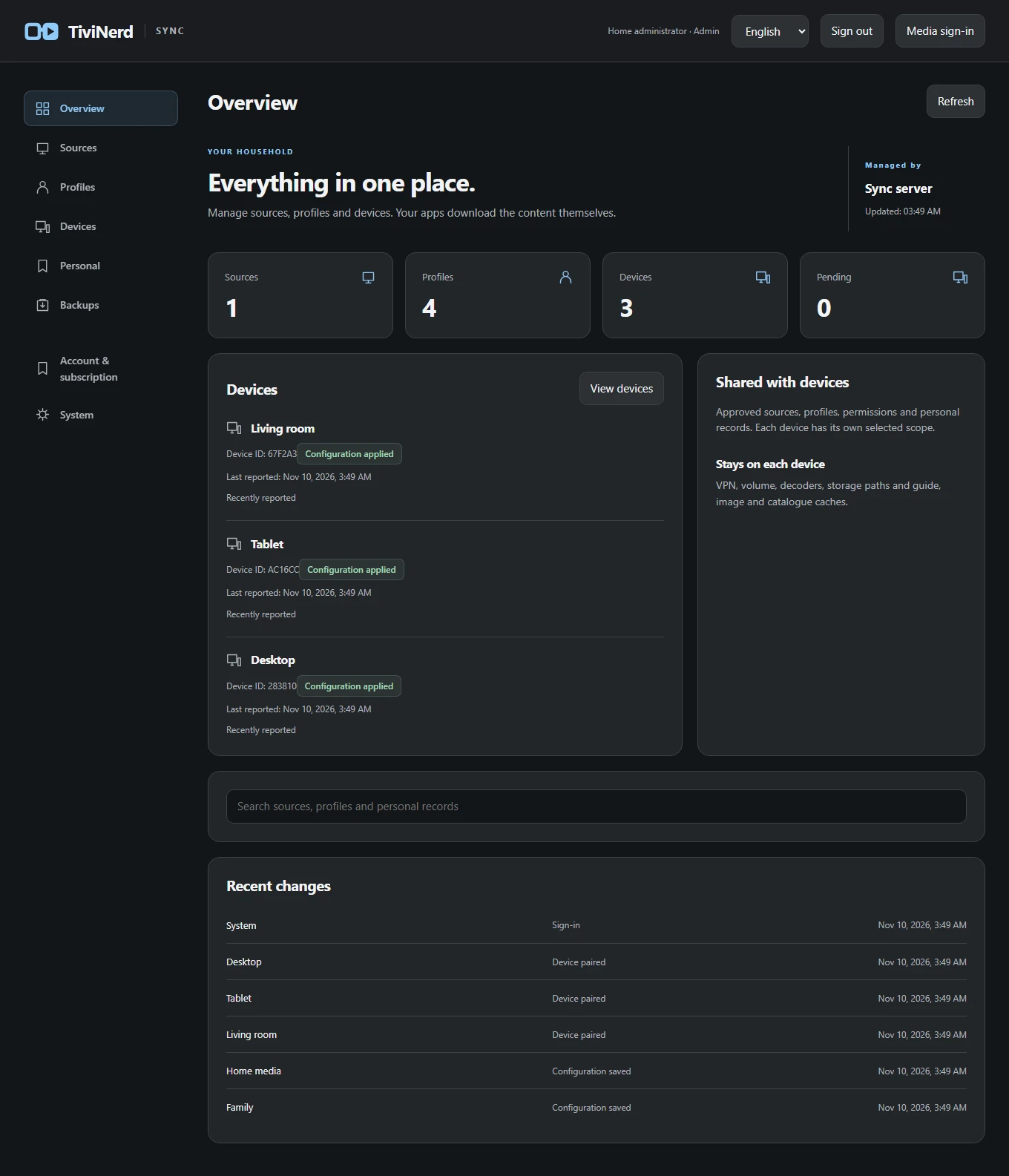
Use the service's administrator account to manage supported household sources, profiles, favourites, policy and connected devices. A bootstrap/setup key is for the initial administrator setup, not a viewing-profile PIN or a permanent public password.
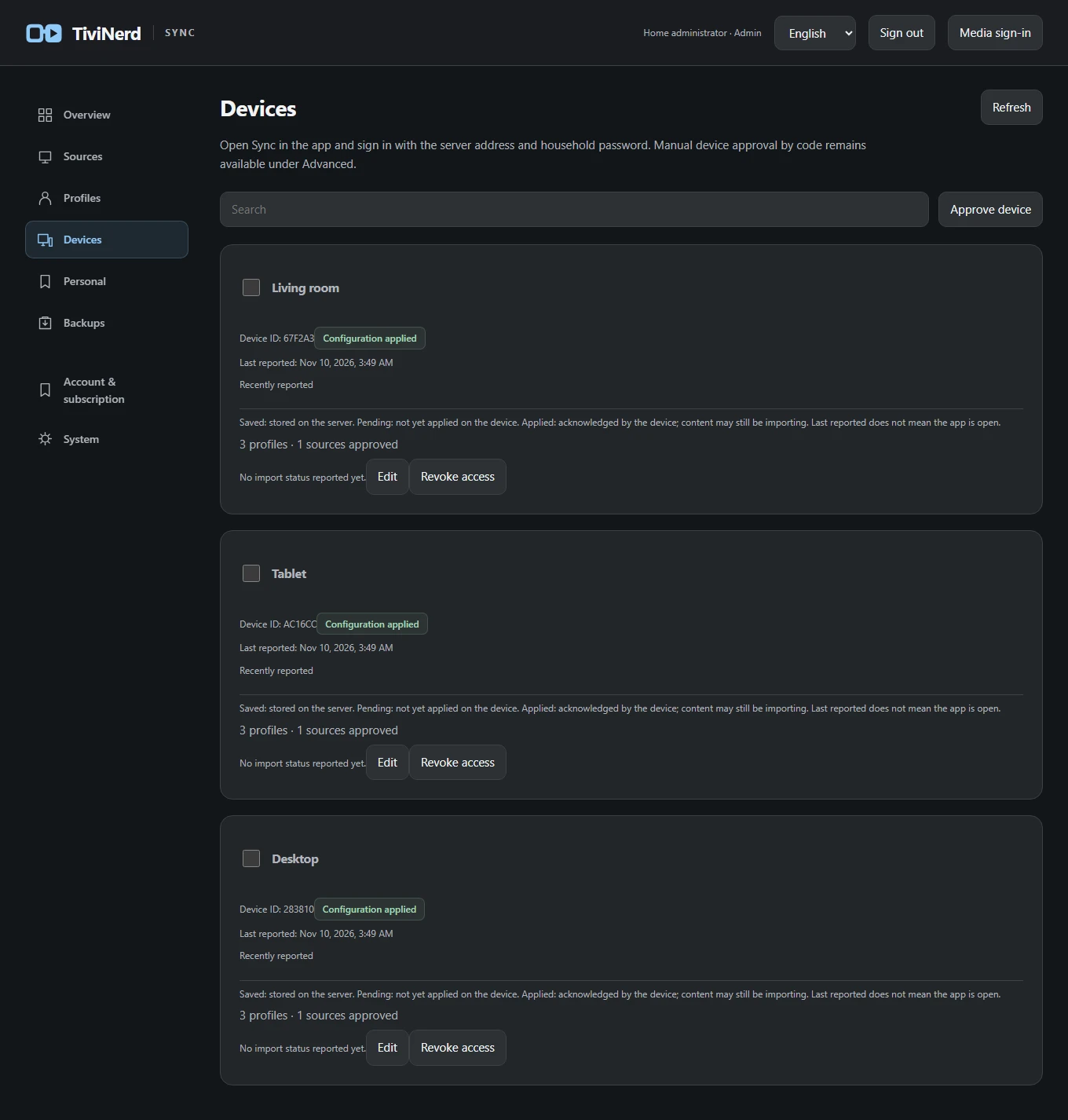
Enrol, rename and revoke a device deliberately. Revocation must prevent further authorised synchronisation; it is different from deleting the media already downloaded into a local cache.
- Open your Sync server in a browser and sign in with its administrator account.
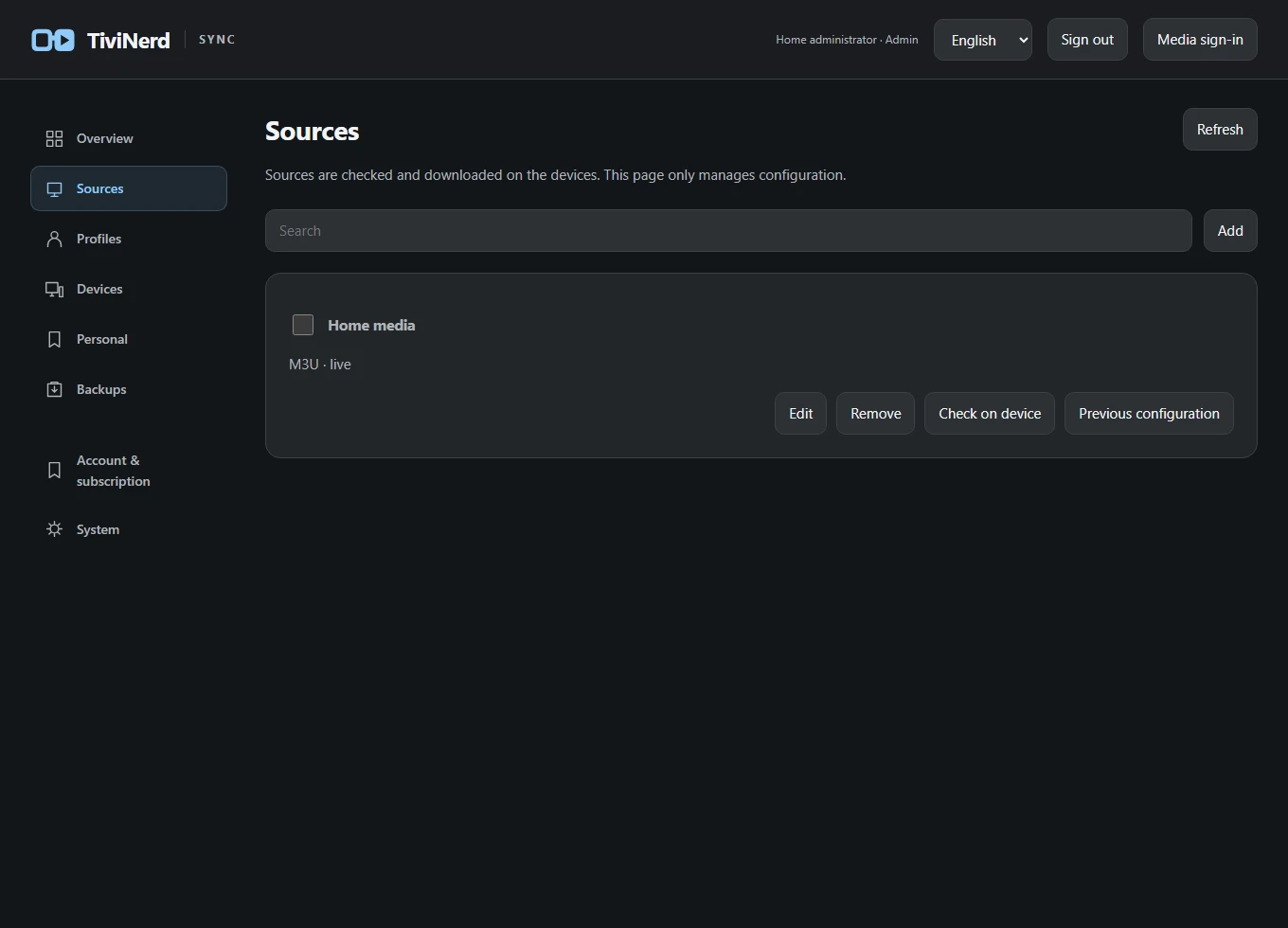
- Use Sources to manage the household source configuration. The players download their own catalogues; the dashboard does not start playback.
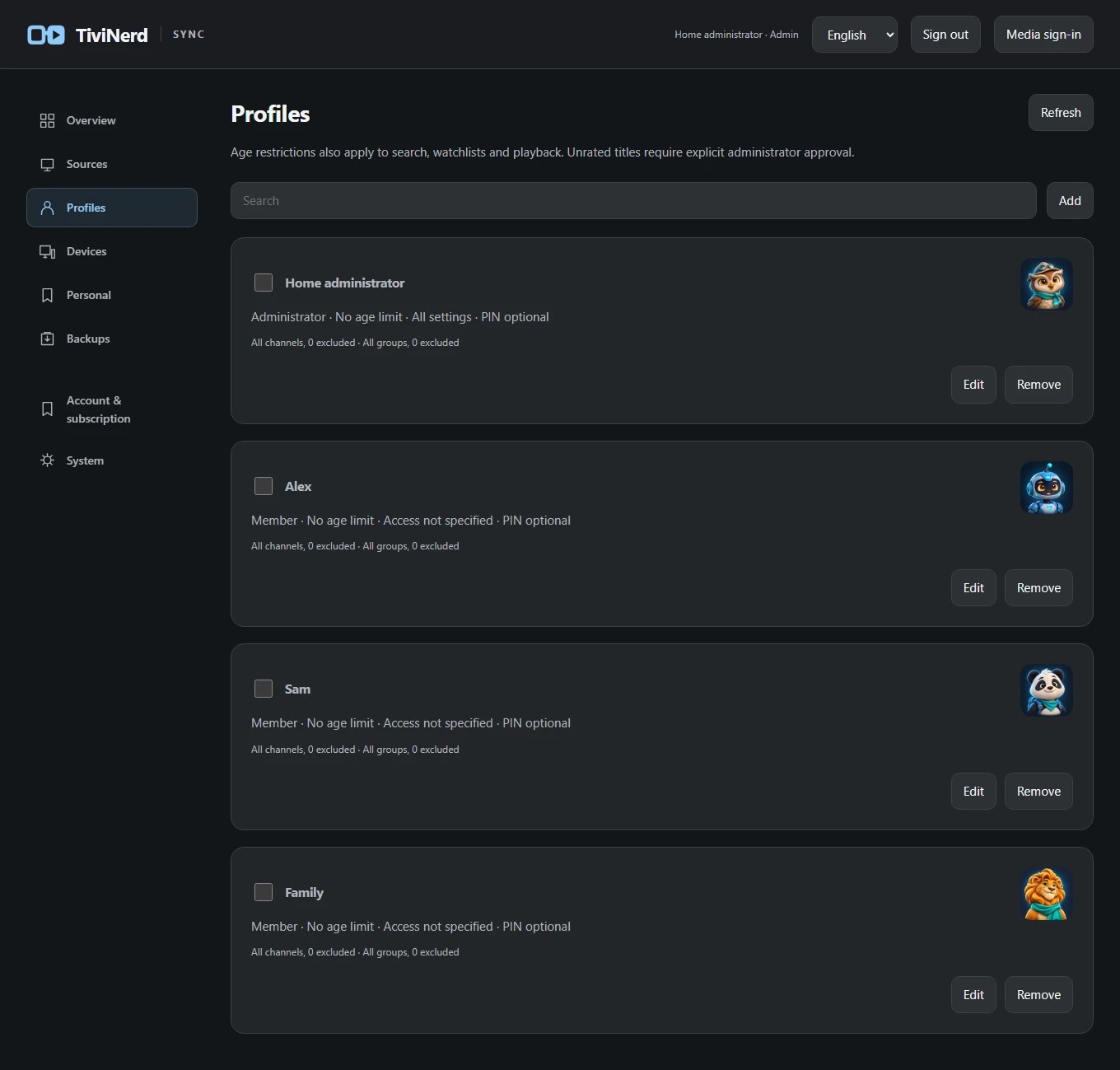
- Open Profiles to change a profile name, avatar or permitted content. A viewing profile is separate from the service administrator account.
- Use Devices to inspect the last exchange and permitted profiles and sources. Select only the intended device when changing access or revoking it.
What synchronises
Supported favourites, watchlists, viewing progress and profile preferences synchronise between authorised devices for the same profile. Shared source and protection changes require administrator permission.
Display, decoder, audio-route, VPN and local storage choices stay on each device. Each app downloads its own programme guide, catalogue and artwork. Large caches, recordings and personal Jellyfin/Emby sign-in sessions are not household payloads.
Google Drive preview
Google Drive is an alternative to the local service in the 0.74 development preview. It uses a private app-data area and an encrypted household, with separate approval for additional devices.
The current Google project is in testing. Only authorised test accounts can sign in, and Google may require renewed consent after seven days. This is not a public production sign-in service. See the Google Drive guide for account and household setup.
When changes do not arrive
Check the exact server address, TLS trust, enrolment status, device permissions and the last error. Do not turn off TLS verification as a shortcut.
The self-hosted service is not counted as a playback device in the planned entitlement model. Production payment and subscription enforcement are not claimed by this guide.