
Connect a source
DVB-I location setup
Find published service lists using the supported location-based setup.
Applies to 0.74 development preview; capture versions are stated below each illustration · English guide
What you need
DVB-I is a service discovery and delivery standard. It does not supply unrestricted access to every broadcast channel. Availability depends on country, region and published service lists.
Location-based setup does not require pretending that the user already knows a service-list URL.
Set up the source
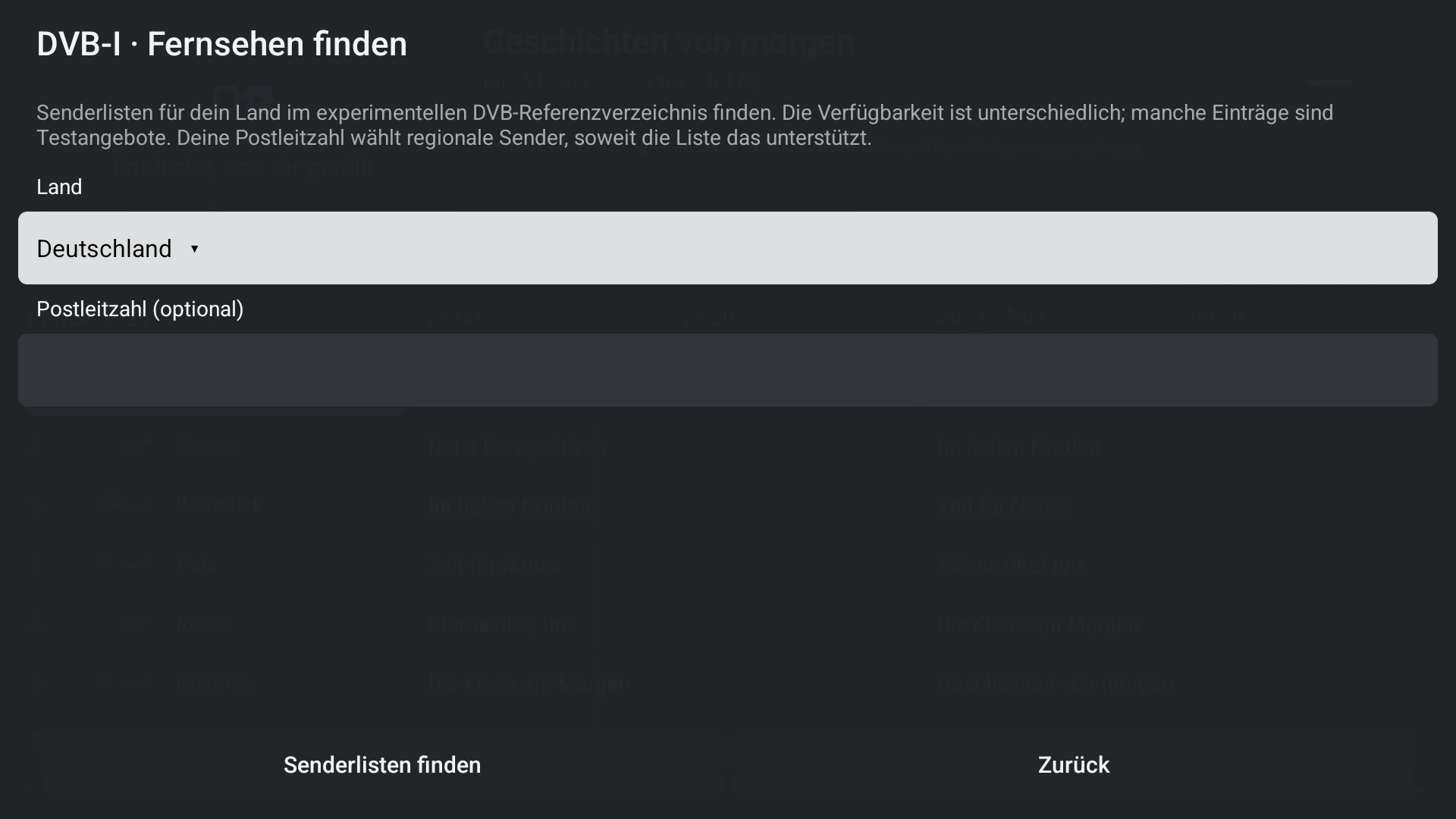
- Choose DVB-I and open the location setup.
- Select the country and enter the requested location information, then review available regions and service lists.
- Confirm the desired services and complete setup.
- Test a listed available service; delivery and guide capabilities depend on that service.
Capabilities and limits
- An empty result can mean no matching published list, not a broken tuner.
- Do not promise reception, DRM bypass or recording rights merely because a service is listed.