
Connect a source
Xtream-compatible provider
Import a direct provider account and browse its saved channels, movies and series.
Applies to 0.74 development preview; capture versions are stated below each illustration · English guide
What you need
Use the provider base address and your own account credentials. A playlist URL with a full query is a different source type.
Login, catalogue download and actual video delivery are separate operations. Address aliases can behave differently; use the address supplied by your provider.
Your provider controls connection slots, archive access, metadata and stream formats. A large local catalogue does not create extra streaming capacity.
Set up the source
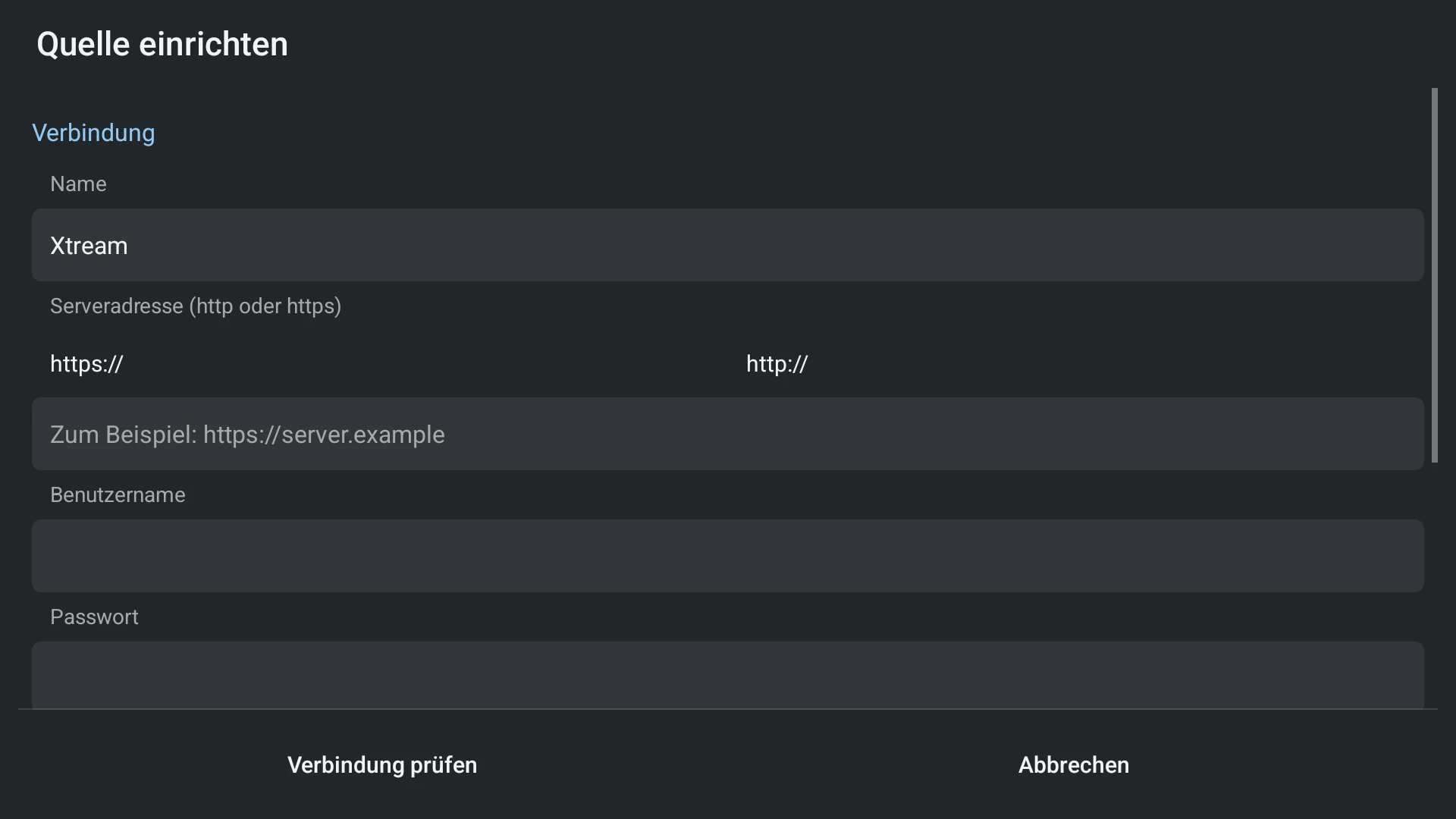
- Choose Xtream in source setup. Enter the complete http or https base address, username and password.
- Select the content areas before checking and saving the source.
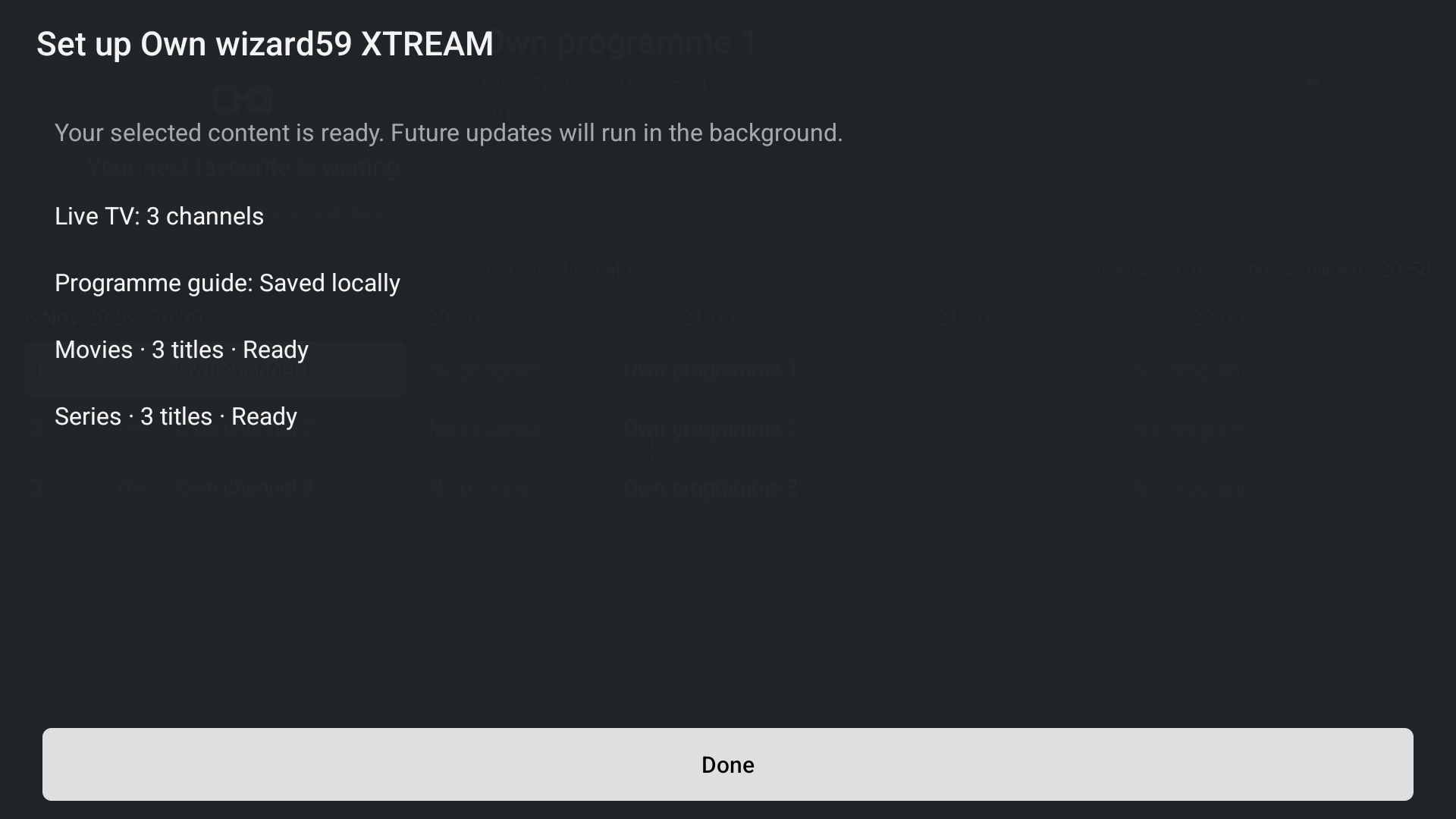
- Wait for each selected import step to complete. If a step fails, inspect its error details and retry it; partial counters are not a final library size.
- After setup, enable or hide categories in Settings. Open the library to browse the locally saved cards.
Capabilities and limits
- Configure the device network or VPN according to your provider and local requirements. TiviNerd is a player, not a VPN client.
- Posters and optional details may still need the network after the catalogue is saved.
- Editing an existing verified account is different from adding another account. Keep account changes deliberate, especially with child profiles.