
Your preferences
Profiles and parental controls
Keep personal lists separate and apply administrator-controlled access consistently.
Applies to 0.74 development preview; capture versions are stated below each illustration · English guide
Administrator and viewing profiles
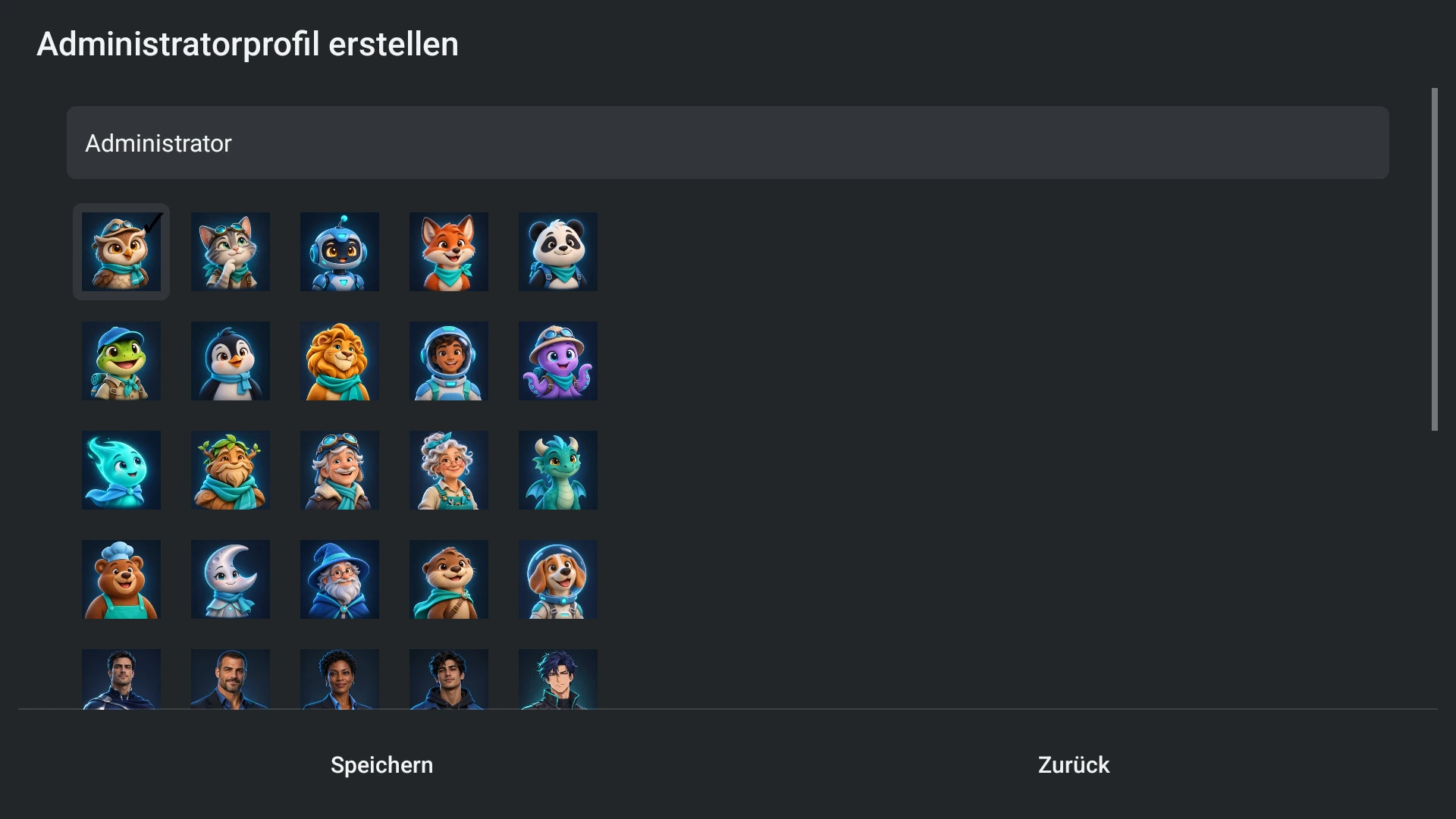
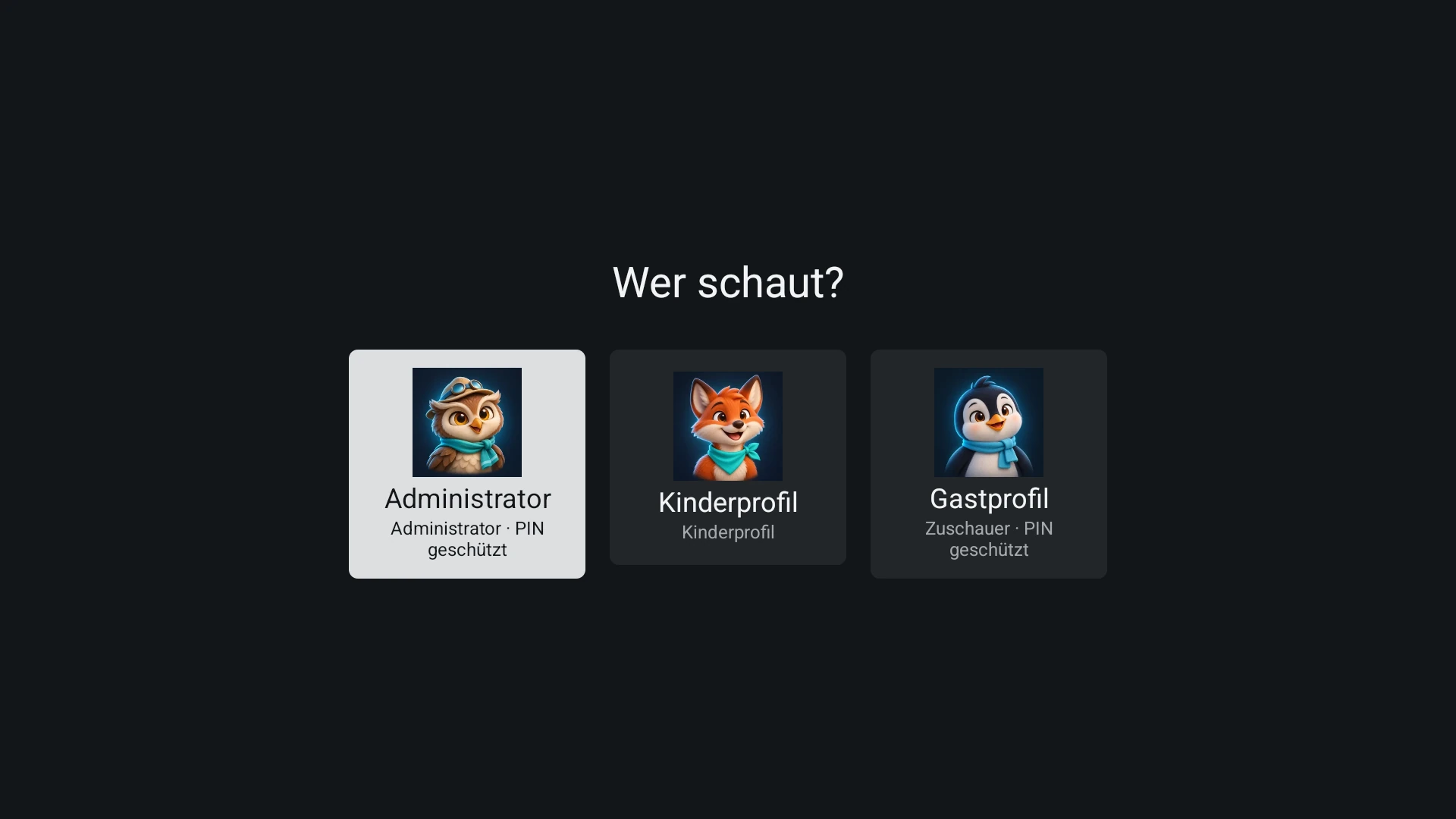
The administrator configures sources and creates viewing profiles. Profile names are freely chosen. A profile is an app identity; it is not a separate provider subscription.
Each viewing profile can have its own favourites and personal state. Settings access and allowed content are administrator choices. A profile PIN can protect entry or exit where configured.
Confirm a profile PIN
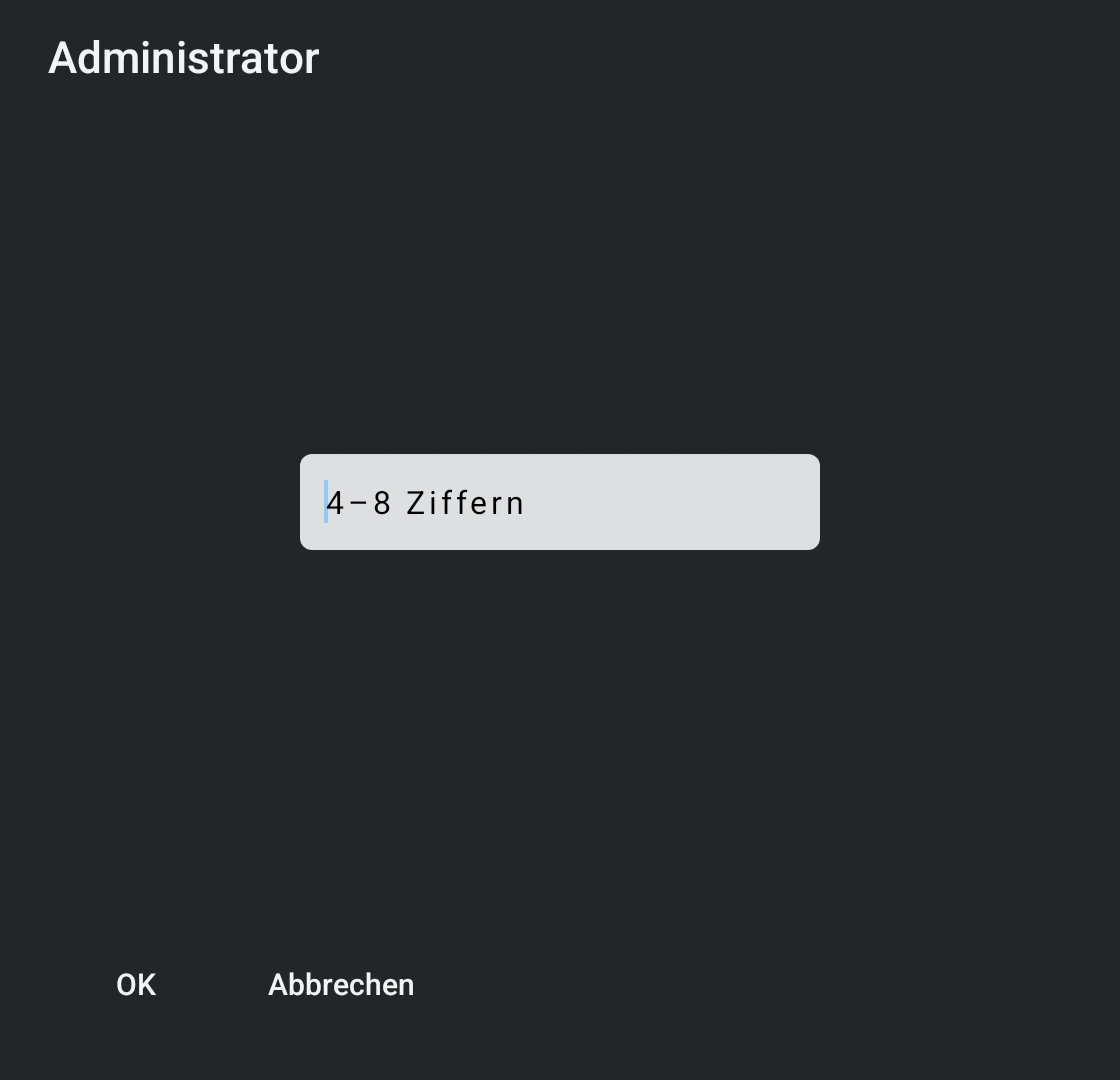
Enter the PIN using the device's native keyboard. Its Done or confirmation action checks the same PIN as the dialog's OK button. A valid PIN closes the keyboard and the PIN panel and opens the selected profile; a second OK is not needed.
A wrong or incomplete PIN keeps the entry path available. Back or Cancel leaves the profile locked. Repeated failures still respect the existing attempt limit. Creating or changing a PIN remains a separate confirmation flow.
Restricted profiles
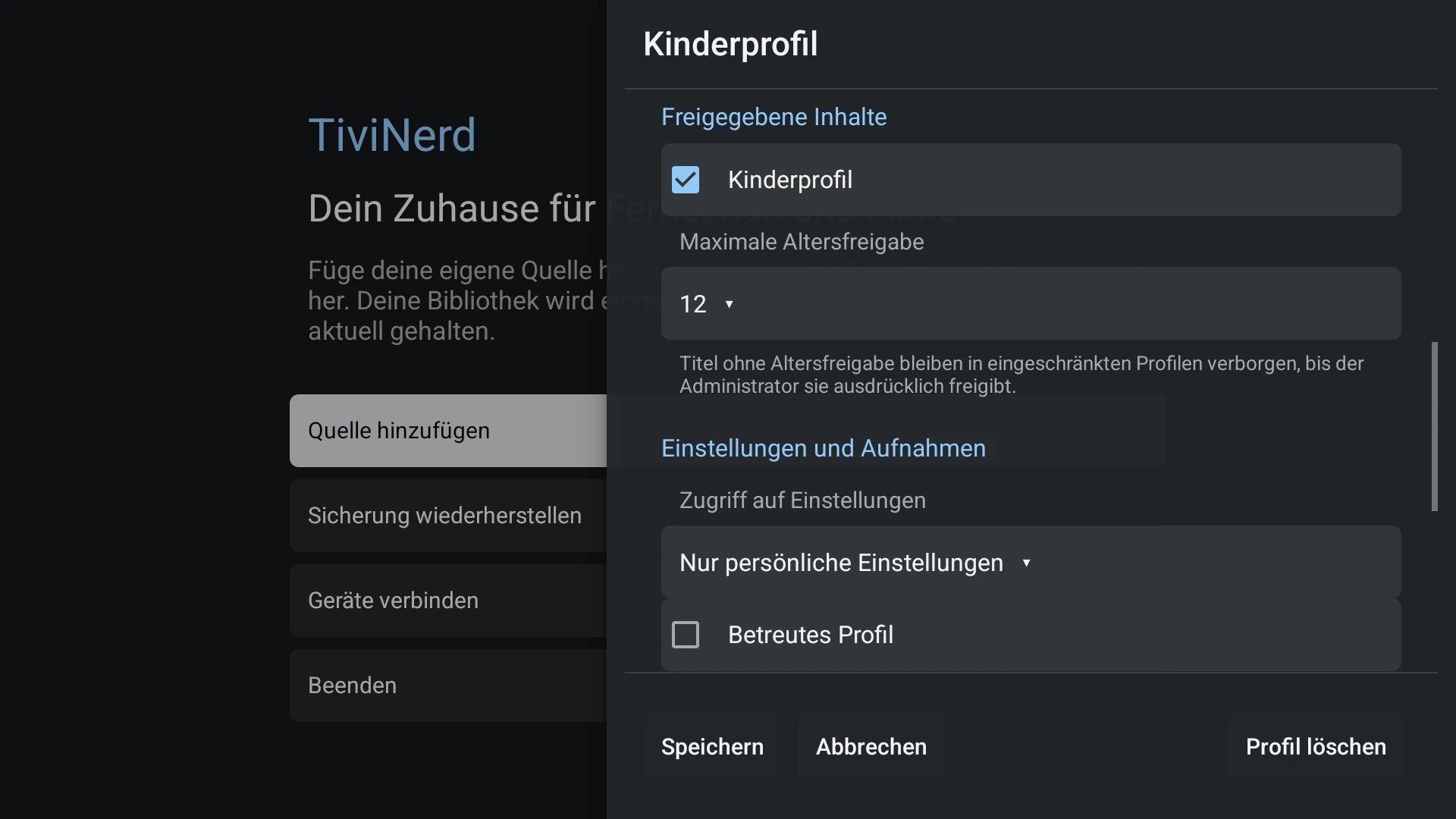
Configure permitted channels/groups and the maximum allowed VOD age rating. Missing age metadata does not imply that a title is safe. Restricted profiles hide unrated titles unless the administrator explicitly approves them.
The same rules must apply in search, watchlists, history, artwork, recommendations and direct playback. A second category membership must not bypass a lock.
Device profile and accessibility
An administrator can mark a viewing profile as assisted and manage it locally or in the Sync dashboard. This preset removes settings access; its freely chosen name, channel grants and age limit remain separate choices.
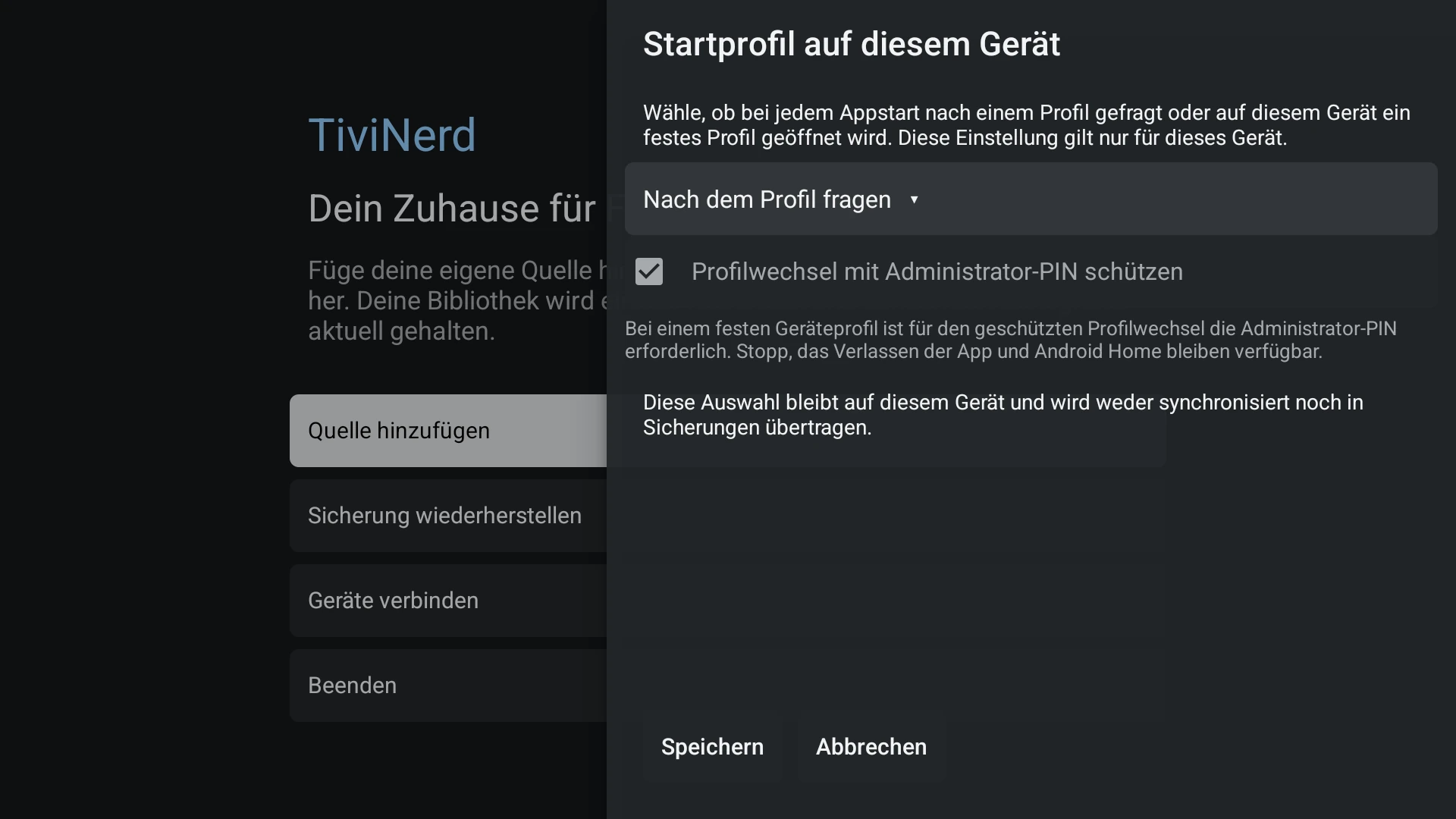
Device startup binding is configured separately. A device may use a selected profile automatically, with PIN-protected exit where configured. The app does not enable TalkBack, VoiceView or change device volume.
Switching safely
Changing profiles must stop or revalidate playback and clear the previous profile's protected surfaces. Late responses and saved positions must not leak into the new profile.
Use the administrator's explicit unlock or profile switch route. Do not remove parental checks to resolve a loading issue.