
Connect a source
TVMosaic
Connect to a configured TVMosaic server.
Applies to 0.74 development preview; capture versions are stated below each illustration · English guide
What you need
TVMosaic provides its own channel, guide and recording APIs. Configure its server inputs and account before adding it to the player.
Server features and authentication vary by the actual deployed version.
Set up the source
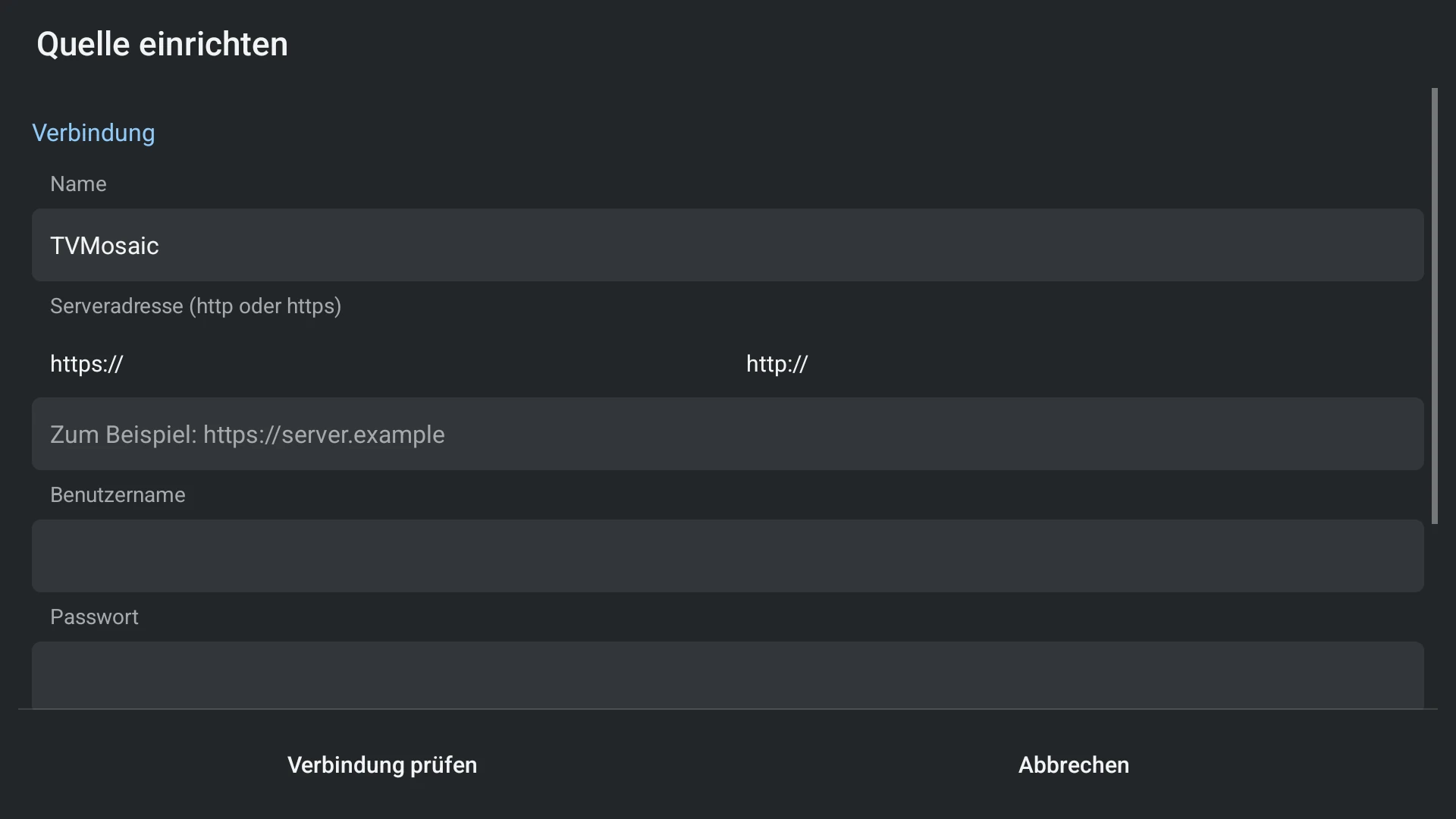
- Choose TVMosaic and enter the server address and account where required.
- Check the connection and finish the supported channel/guide setup.
- Start an available channel and review guide associations.
- Use only recording actions that the server and account actually support.
Capabilities and limits
- A TVMosaic server may use network tuners or IPTV sources; TiviNerd does not provision that hardware.