
Watching
Live TV and the programme guide
Find a group, choose a channel and use the guide without accidentally changing playback.
Applies to 0.65 development preview · English guide
Choose a channel
Groups narrow the channel list. Focusing or selecting a programme is different from starting a channel. The TV guide uses remote focus; the touch guide provides explicit actions.
On TV, follow the visible OK action for preview and full-screen playback. Use the group list to change groups. Your selected group and browsing position should be retained when you return.
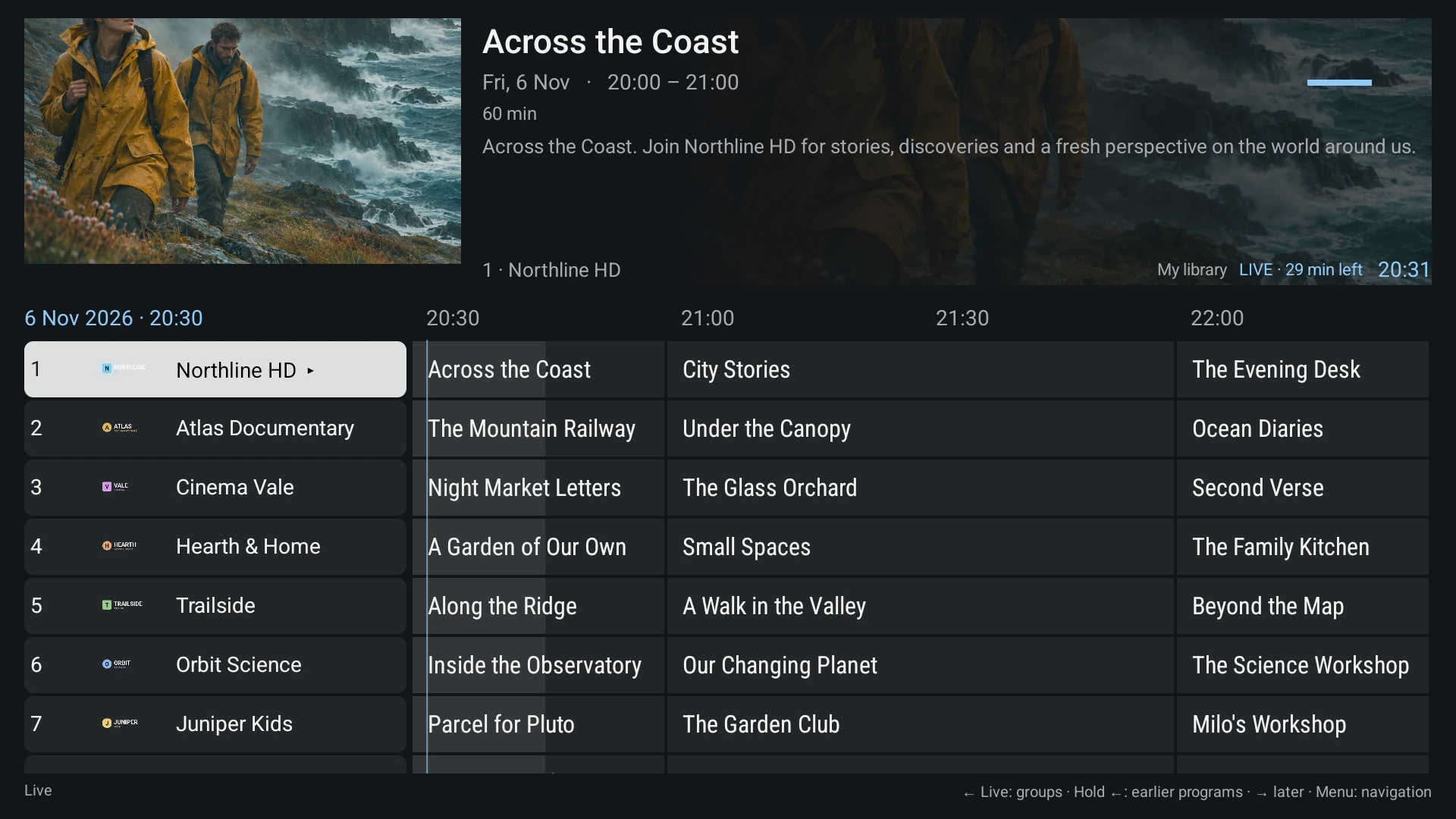
Return to the current programme
When browsing a different guide time, Back first returns to the current time. Back from the current position then opens the groups. If there is no guide data, time browsing must not trap you before the group list.
A blank programme row does not prove that the channel is unavailable. Guide assignment and stream playback are separate.
Guide data and manual matching
An automatic provider guide may be available. A separate XMLTV guide can be added when needed. If channel names or IDs do not match, use manual channel mapping and review the preview before applying a selection.
Do not map unrelated SD and HD services merely because their displayed numbers happen to match. A local tuner may provide duplicated channel numbers.
If the picture stops
Connecting, buffering, a deliberate pause and exhausted retry attempts describe different states. Keep the controls available while recovery runs. Retry starts a new bounded attempt; Stop releases the current playback.
Record a readable error and its optional support reference. A server HTTP response alone does not identify which provider or intermediary caused it.